
Replace Buyer
Replace Orders
Sometimes you may discover a deal has the wrong Buyer. You may do a 'Replace Buyer' order.
This order may be done from the Dealer Profile or Vehicle Orders application and may be done at any point in the deal. For this guide, we will focus on the Dealer Profile.
Note: Replacing the Buyer or Seller has no impact on the calculation of fees or charges.
Replace Buyer Order
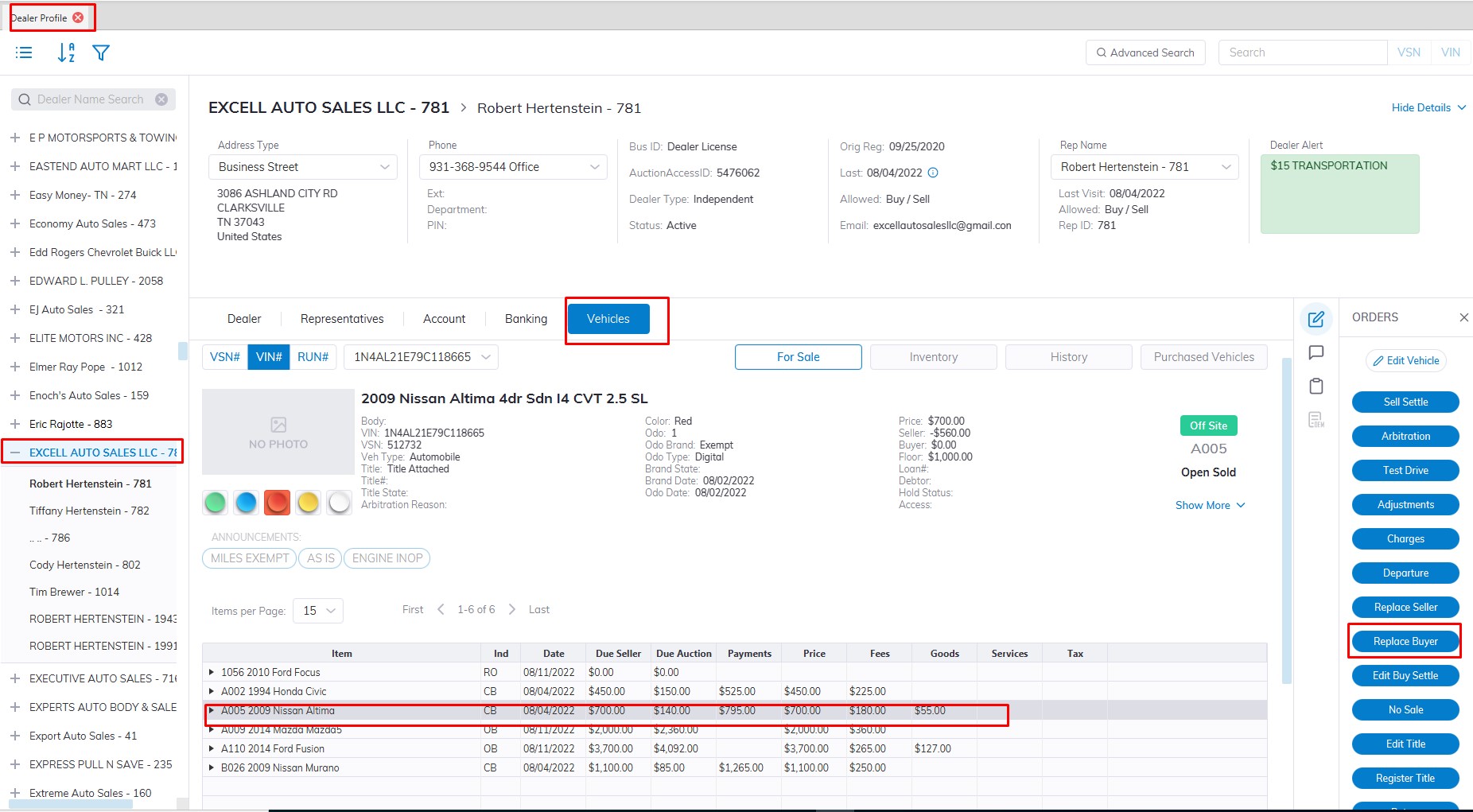
- Launch Dealer Profile Application.
- Select the Dealer where the vehicle you wish to replace the Buyer.
- Select the Vehicle Tab.
- Select the Vehicle with the wrong buyer from the Grid
- Select the 'Replace Buyer' order button from the Order menu on the right
- The form will launch before that you will see the following reminder
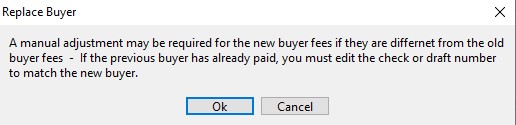
- Click "OK" to proceed after reading.
- Select the correct Buyer from the drop-down listing (includes only checked-in buyers)
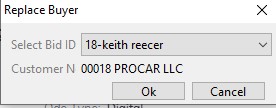
- Click "OK" to Complete and execute the Order.
No Comments