
Payments and Deposits
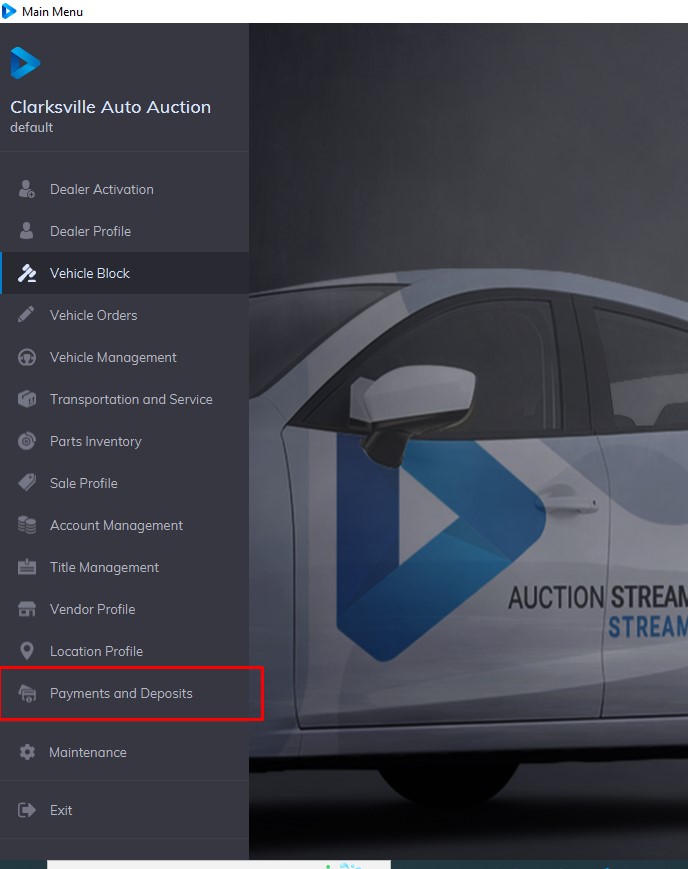
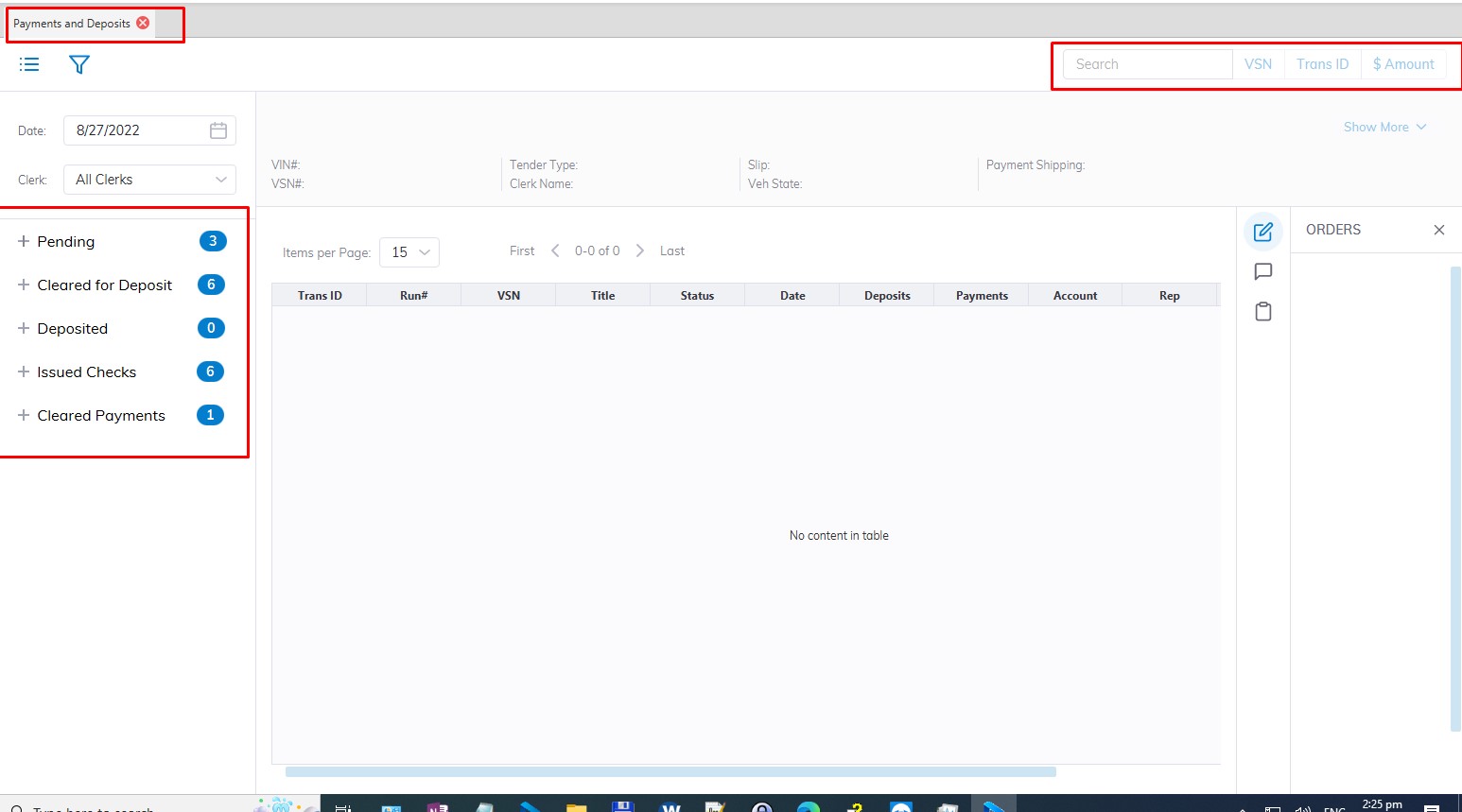
Payments and Deposit application - contains all of the payments made within the date range shown just above the Payments to Auction button. To view a different date range re-select the beginning and/or ending dates.
When a transaction is selected, the application displays Vehicle and Title summary along with accounting information.
There are 5 divisions of payments divided into Sashes:
- Pending
- Cleared for Deposits
- Deposits
- Issued Checks
- Cleared Payments
Pending
Pending- contains all of the payments made within the date range. Three ( 3) sashes contain Tender or Payment types each corresponding to a button on the left and a 3-digit indicator in the grid.
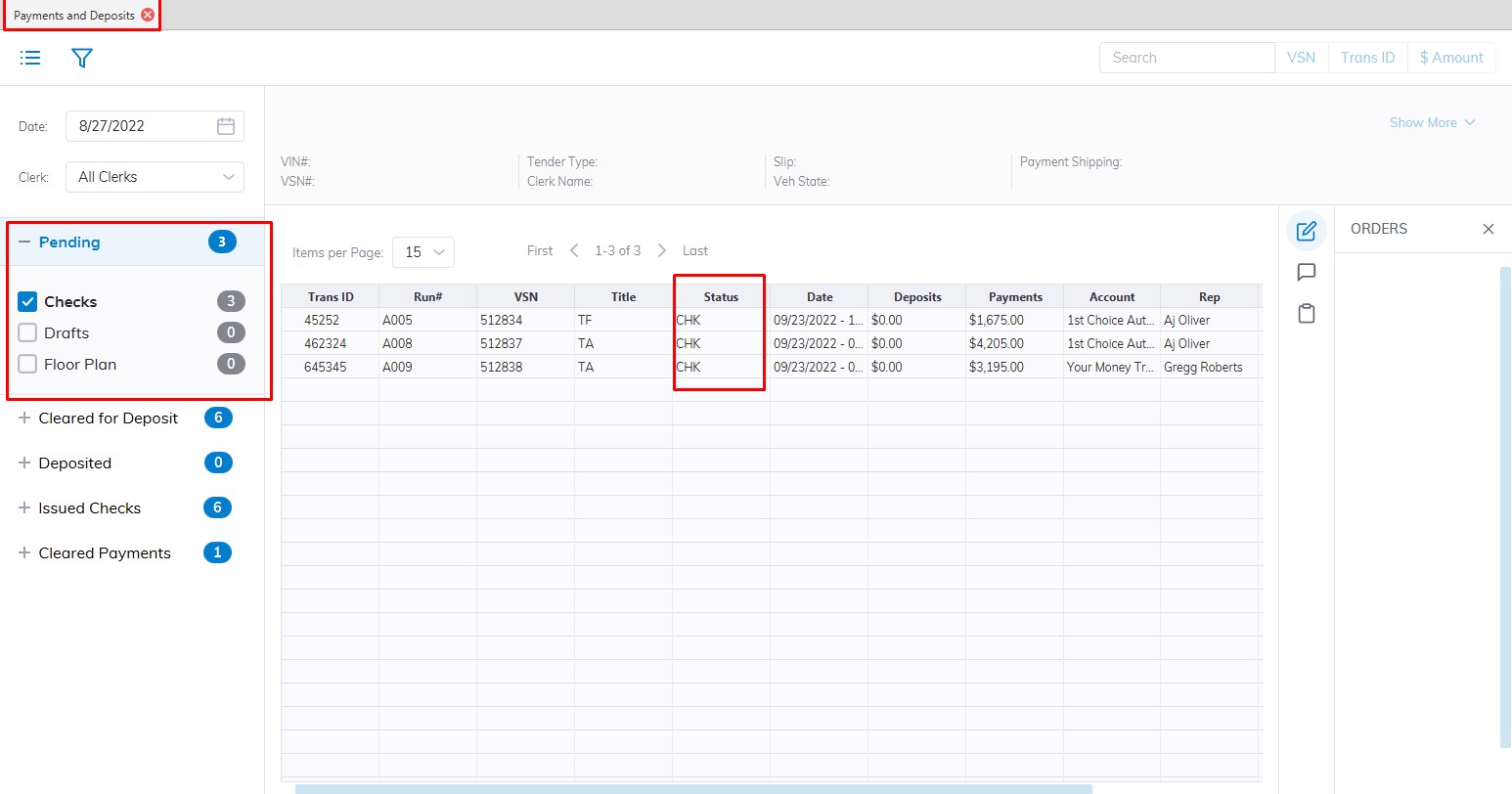
- Checks CHK
- Draft DFT
- Floor FPT
-
- You may move the payment to 'Cleared for Deposit' using a Seller Settlement order
- You may move the payment to 'Cleared for Deposit' using a Register Title Order.
- You may move the payment to 'Cleared for Deposit' using a Seller Settlement order
Note: Otherwise these payments may not be deposited.
Cleared for Deposit
Cleared for Deposit - contains all of the deposits made within the date range shown. The Pending Deposit' sash contains 4 Tender or Payment types each corresponding to a button on the left and a 3-digit indicator in the grid.
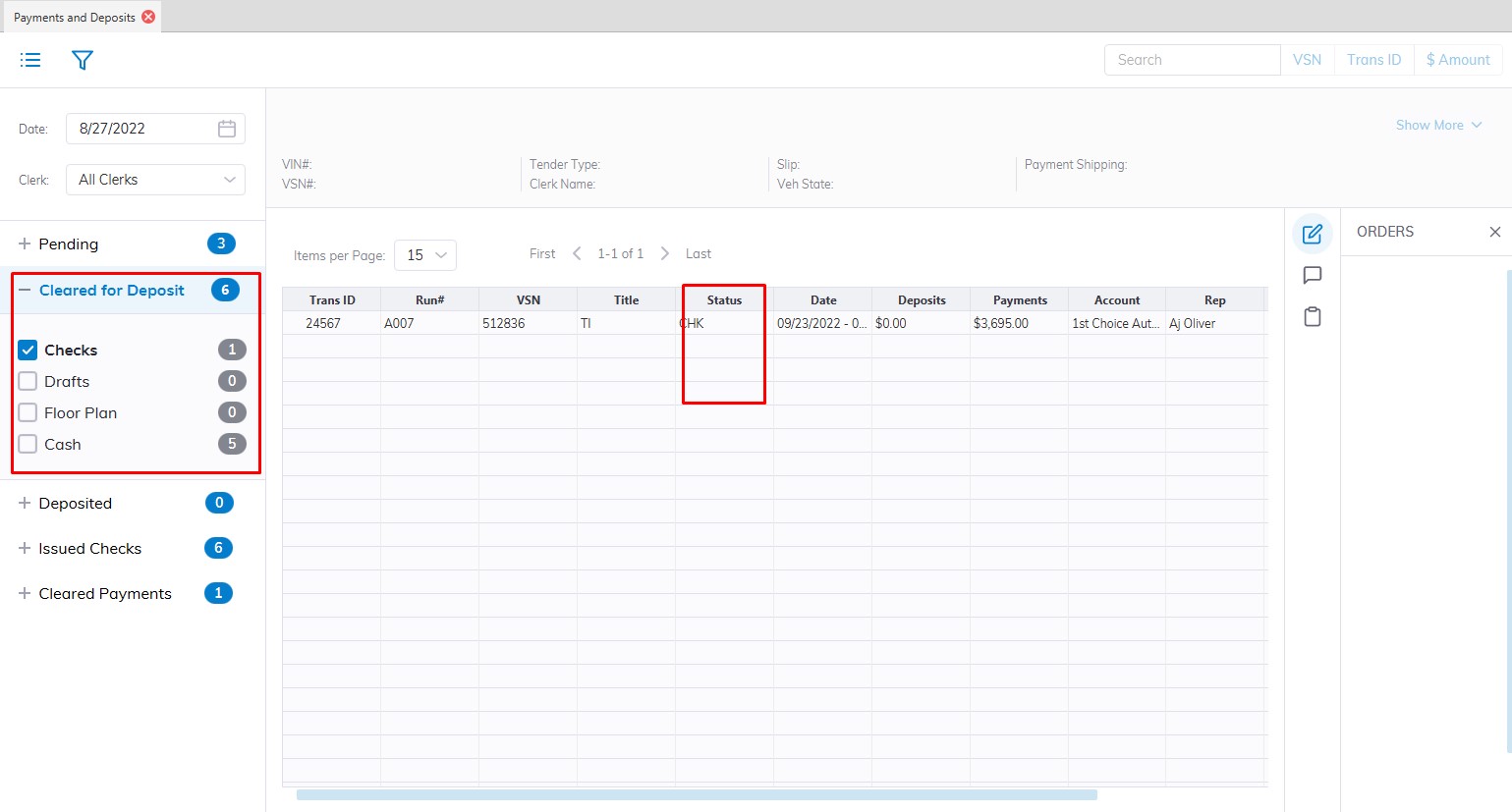
Because Draft and Floor Plan payments may be returned for a number of reasons these payment types are 'Sent' and/or 'Returned' before they are deposited. Checks are simply deposited. It is possible to click the '+' icon next to the payment to view the history of the orders.
Checks CHK
- You may perform a Deposit Check order on this payment.
Cash CSH
- You may perform a Deposit Cash order on this payment.
Drafts DFT
- You may perform a Send Collection Item order on this payment.
Drafts Sent DFS
- You may perform a Deposit Draft order on this payment.
Drafts Returned DFR
- You may perform a Re-Send Collection Item order on this payment.
Floor Plan FPT
- You may perform a Send Floor order on this payment.
Floors Sent FPS
- You may perform a Deposit Floor order on this payment.
Floors Returned FPR
- You may perform a Re-Send Floor order on this payment.
Deposited
Deposits - contains all of the deposits made within the date range shown. After deposits have been made they appear in the 'Previous Deposits' sash. The column 'Payments Deposited' contains the amount, date, and time of the deposit.
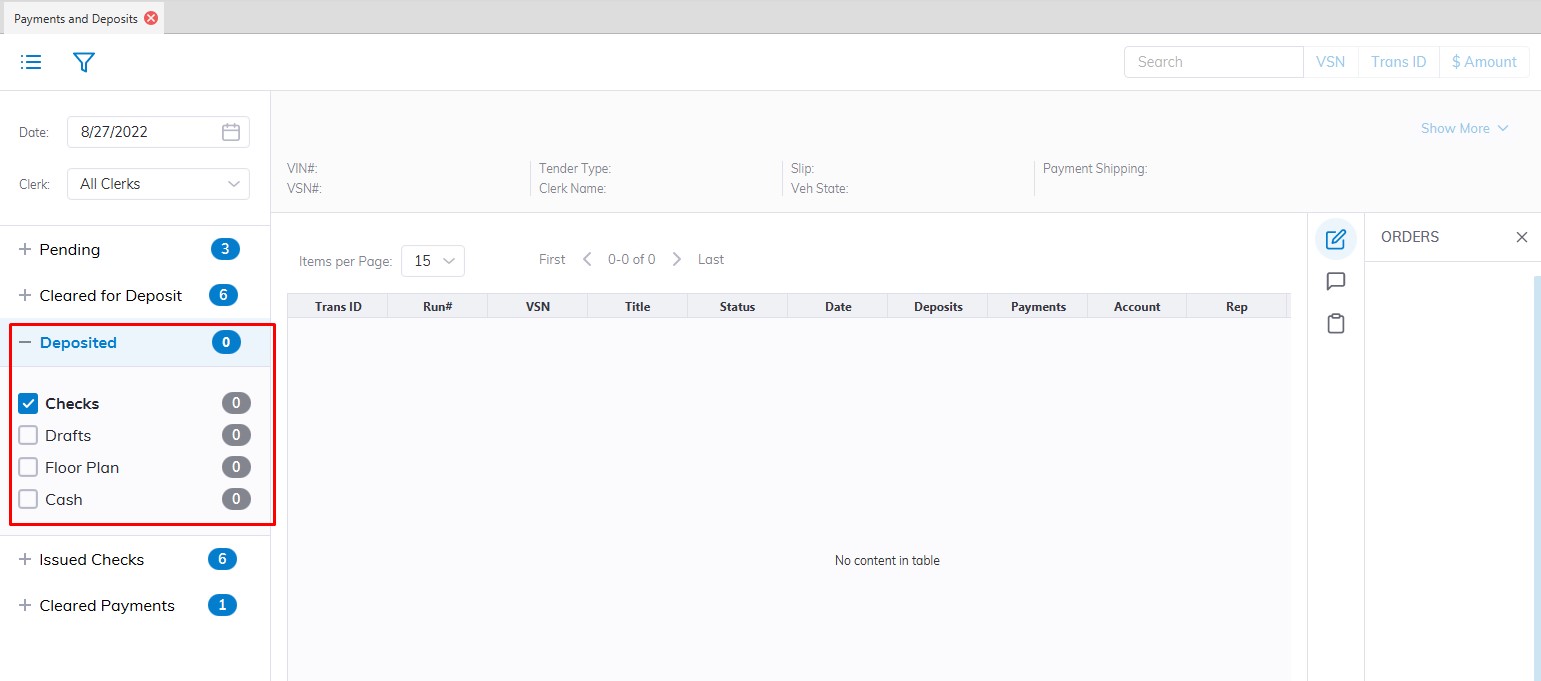
- CHK (check) now reads CHD (Check deposited)
- CSH (Cash) now reads CSD (Cash Deposited)
- DFT (Draft) now reads DFD (Draft Deposited)
- FPT (Floor) now reads FPD (Floor Deposited)
Issued Checks
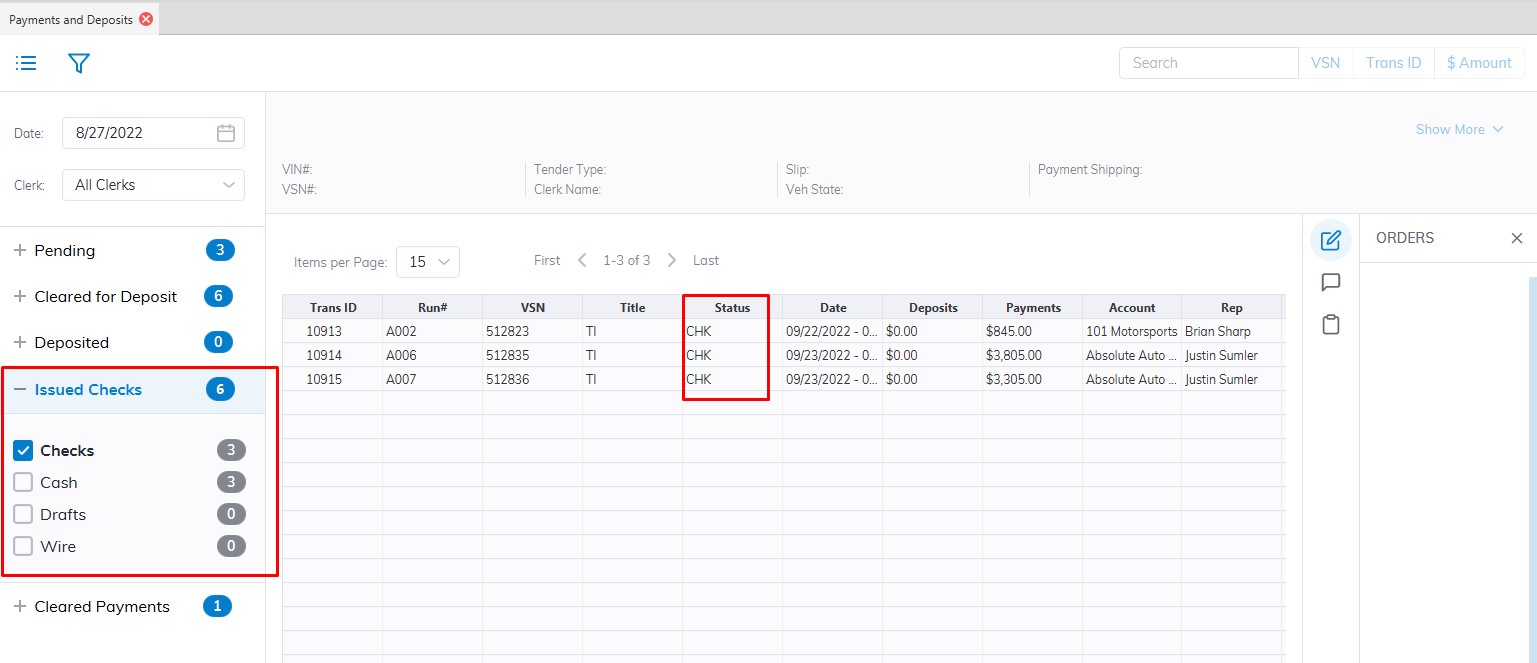
Issued Checks - contains all payments made to Sellers within the date range shown.
The following orders may be done for Checks written to Sellers:
- Edit Transaction ID
- Edit Check Status (void check)
- Re-Print Check
Cleared Payments
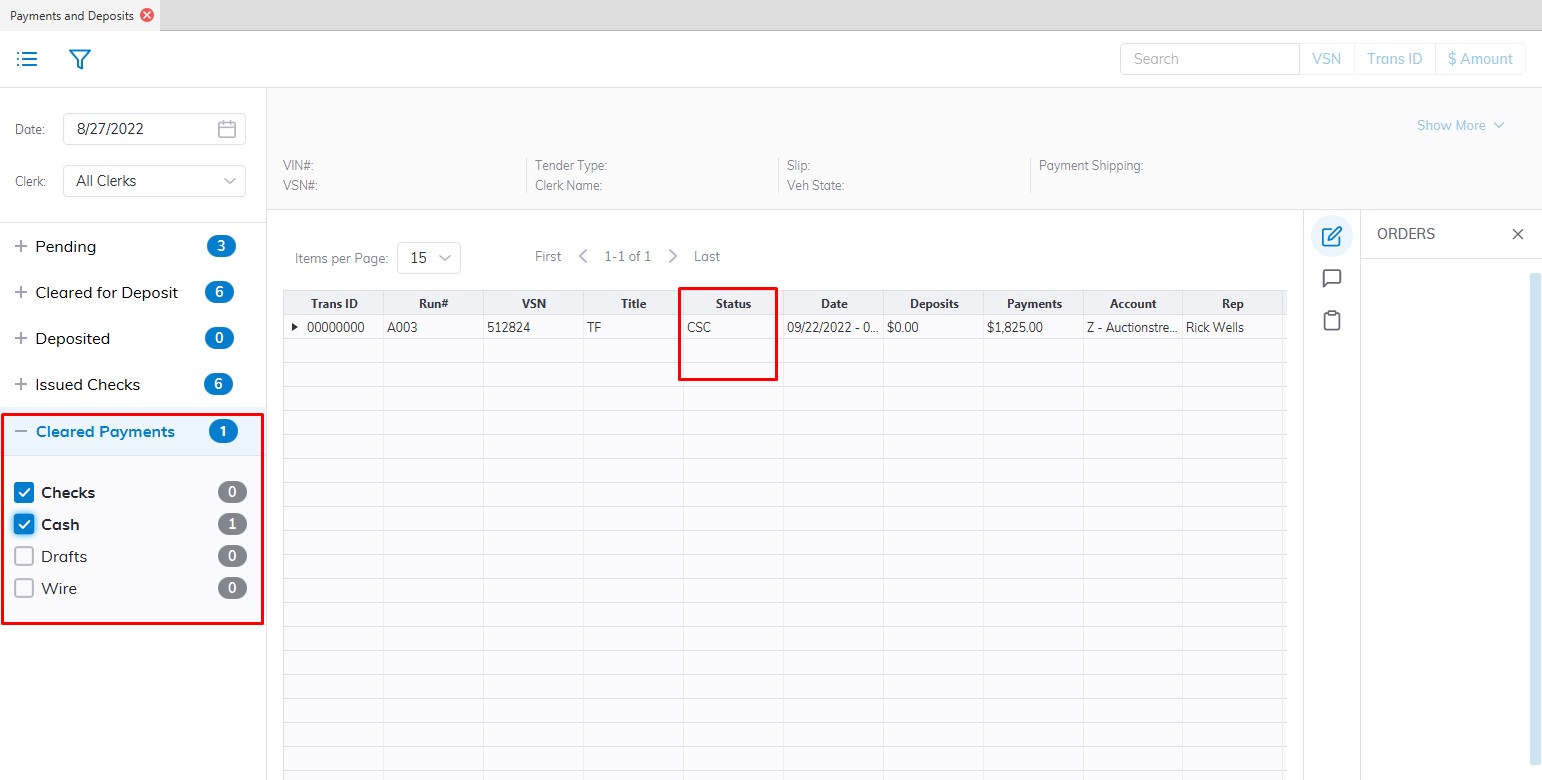
No Comments