
Combine Summary
Select
- The Dealer Profile application > Reports > Summary Statements> Combine Summary.
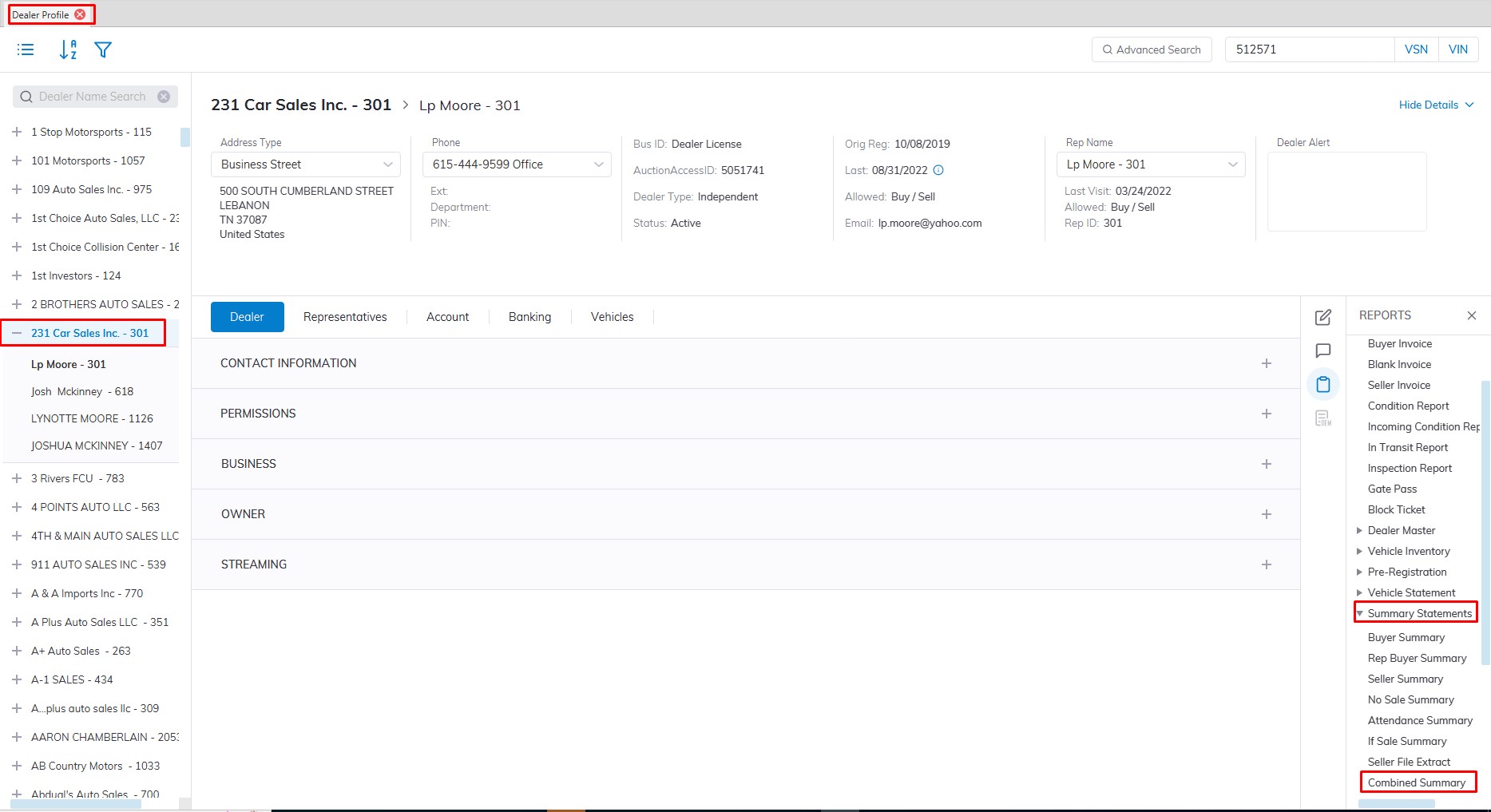
- This will launch the Combine Summary report form to be filled out.
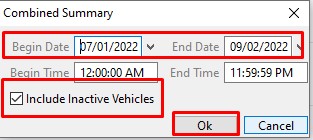
- In this form, you need to fill in the Sale Date ranch you would like to run the report for.
- Next, you need to select the "include Inactive Vehicles" checkbox so you can get a comprehensive report on everything.
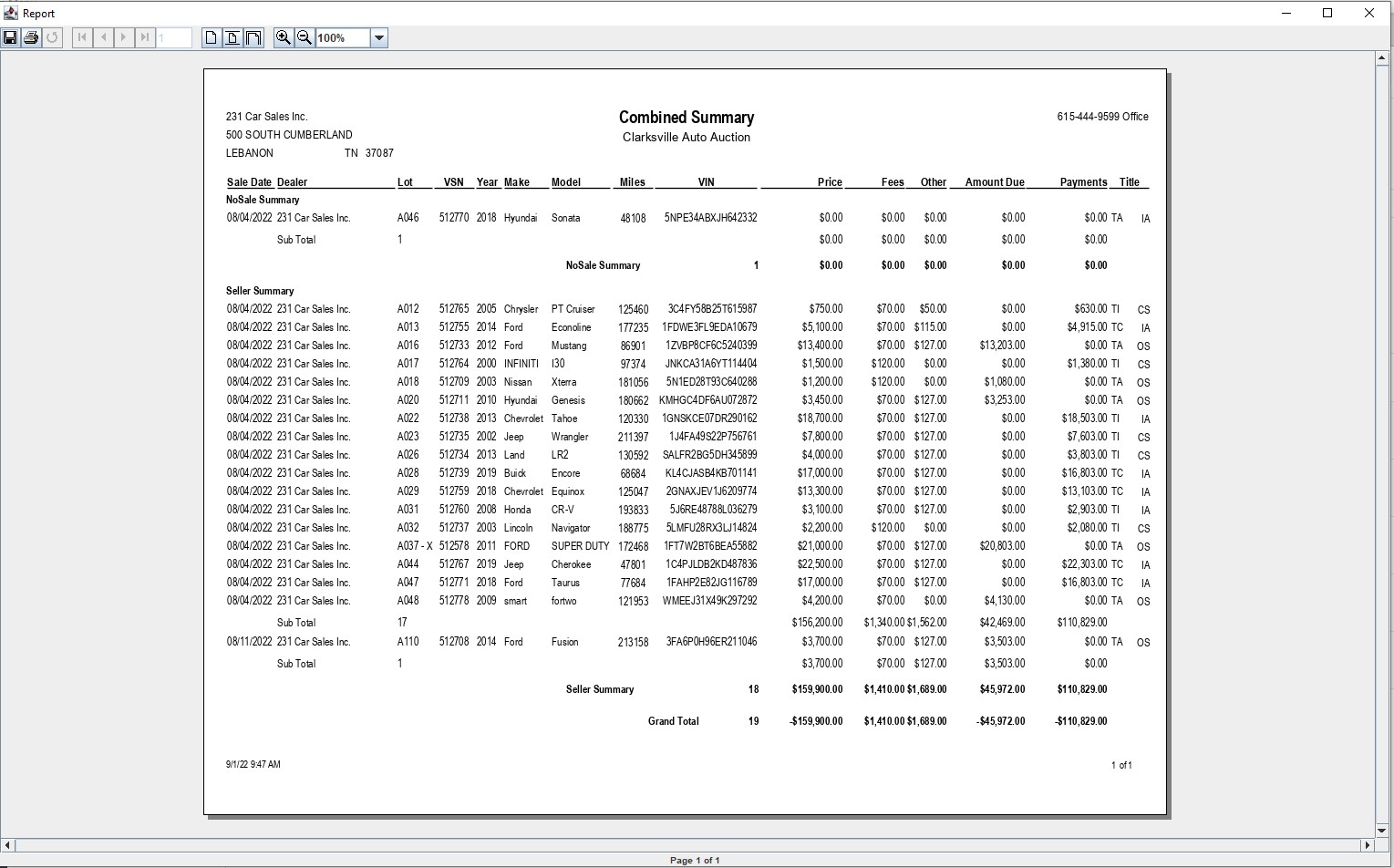
- Click 'OK' to create and print the report.
No Comments