
Rep Master
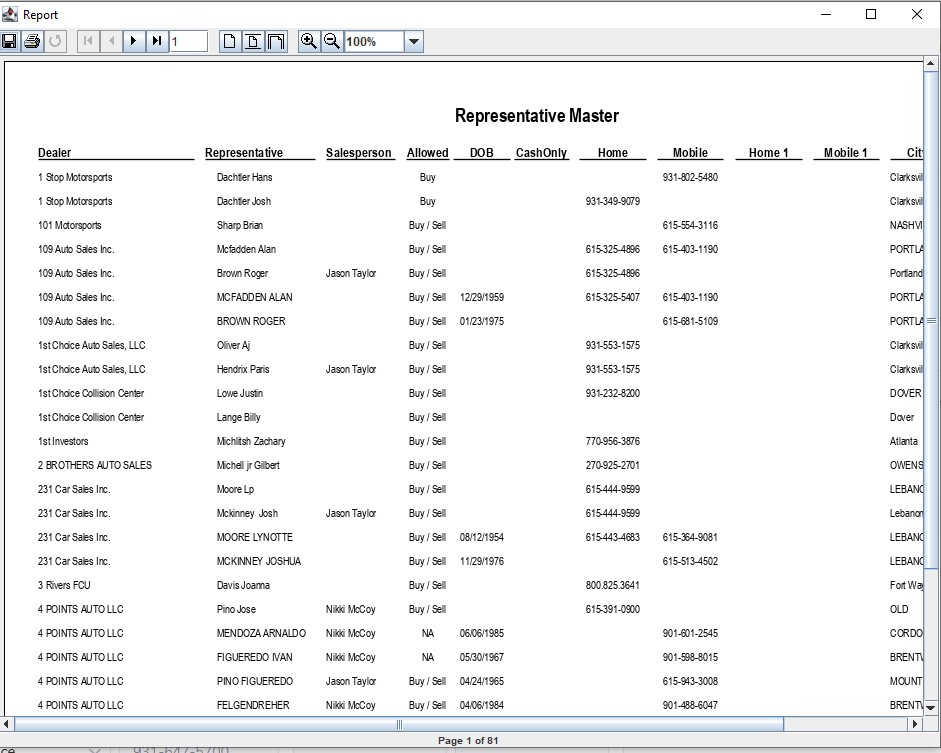
The Representative Master can be used as a contact list for the Sales department.
- Select the Dealer Profile application > Reports > Rep Master
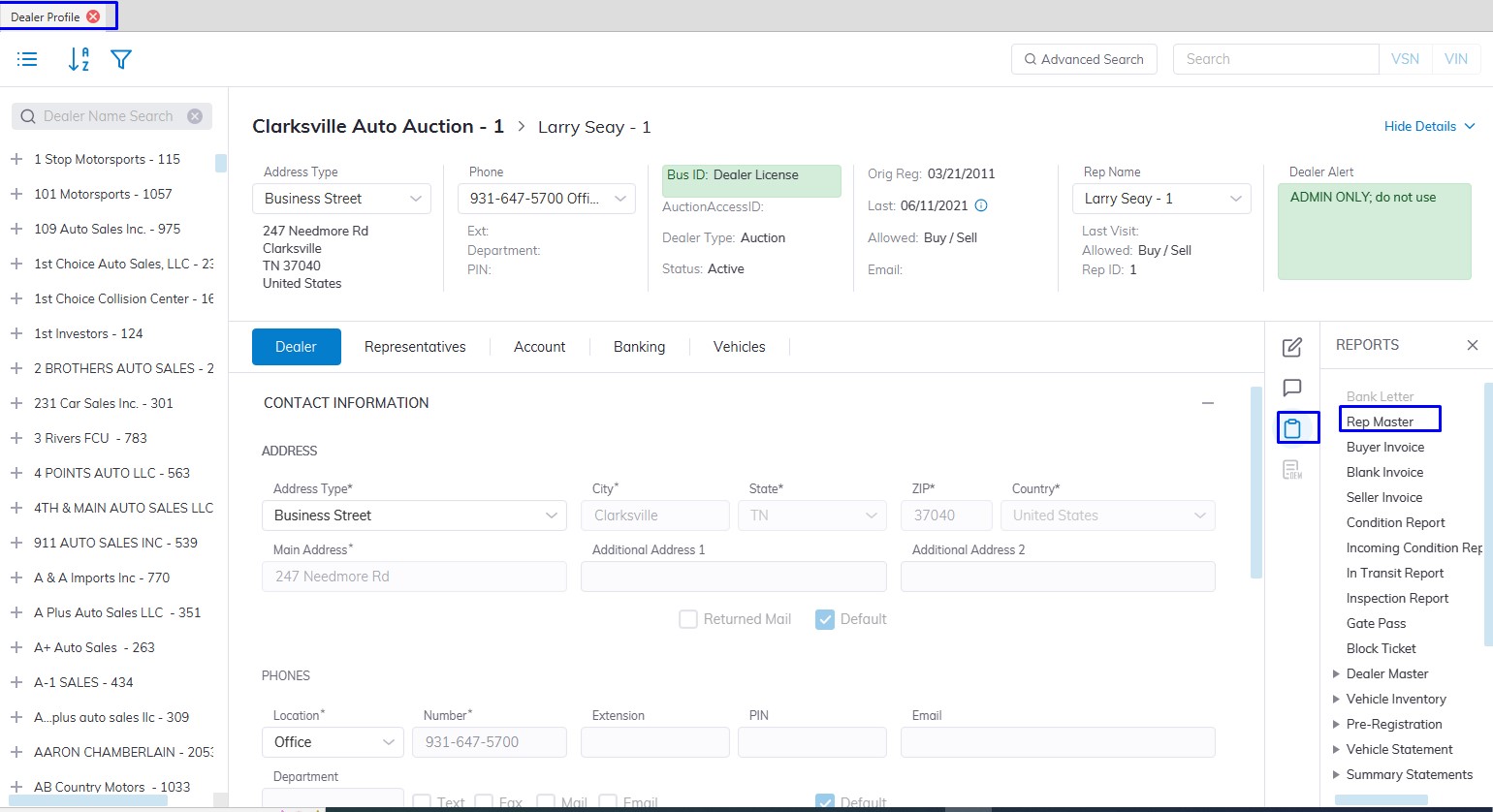
- This will launch the report wizard
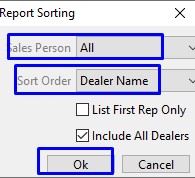
- You may include any, all, or just one salesperson in the report or sort by:
- Last Name
- Dealer Name
- Allowed (buy/sell permissions)
- City
- State
- Zip
- Cash Only (authorized for non-check or draft buyer payments)
- Last Name
- Click 'OK' when done to create and print the report.
No Comments