
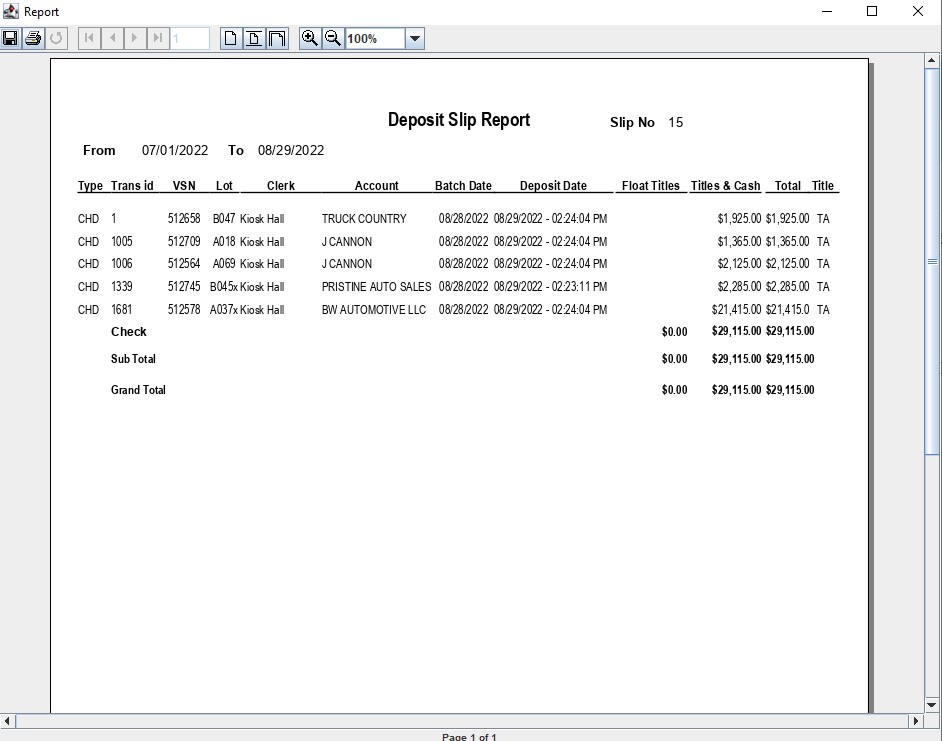
Deposit Slip Report
The Deposit Slip report provides a record of buyer payments that the Auction has deposited.
Select the Payments and Deposits application Reports > Deposit Slip
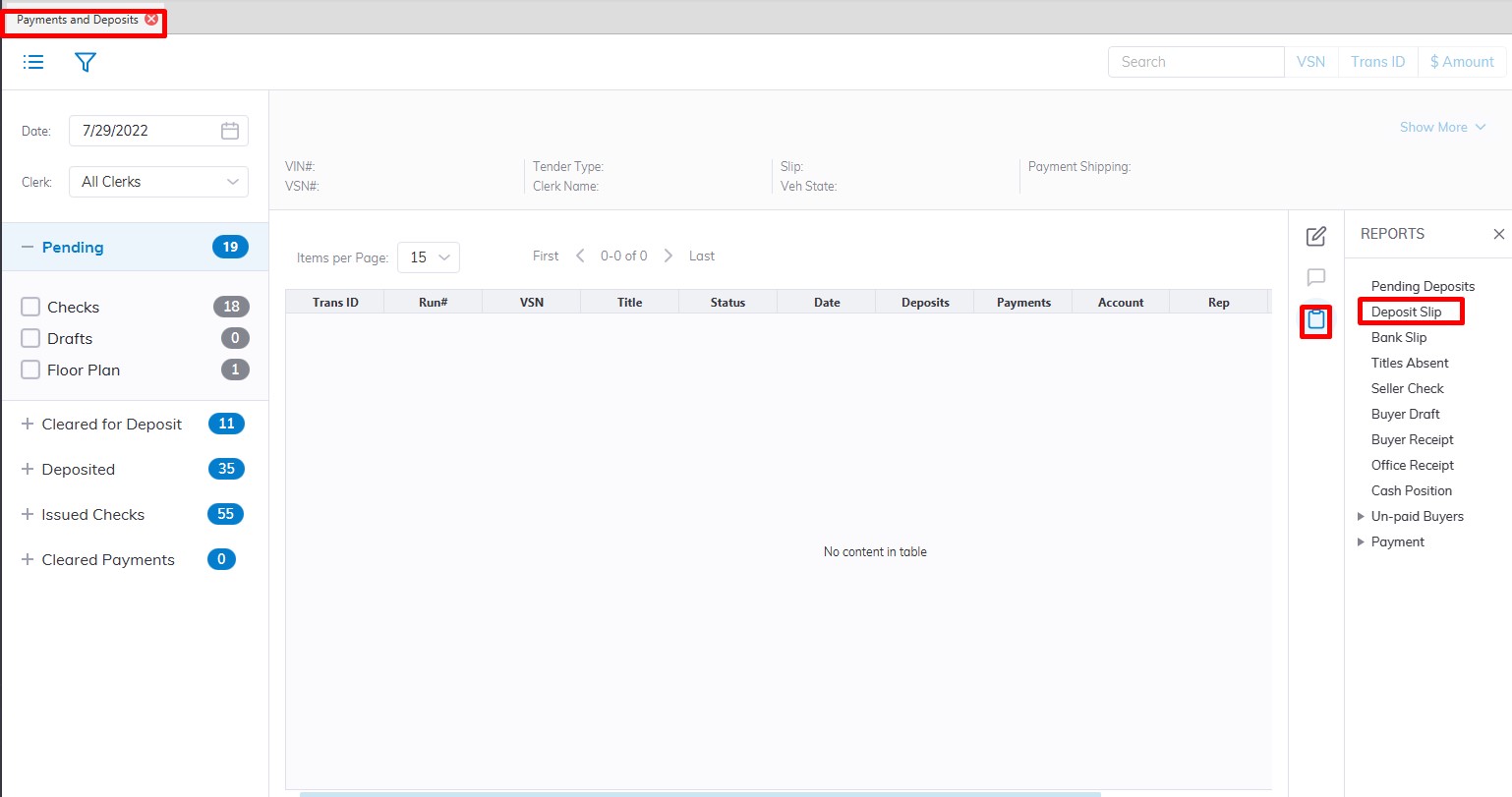
This will launch the Deposit slip report form
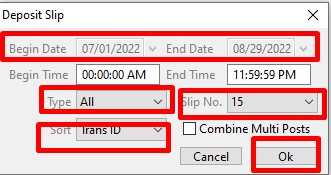
Once selected you may control the parameters of the report according to:
- Payment Type
- Begin Deposit date/time
- End Deposit date/time
- Type (Default on All, however, you can select Cash, Check, Floor or Draft)
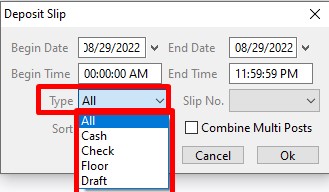
- Slip No. (Number assigned by the user when depositing the check processing for easy Identifying)
- Sort (You can Sort the Report by the Trans ID, Dealer, or Amount)
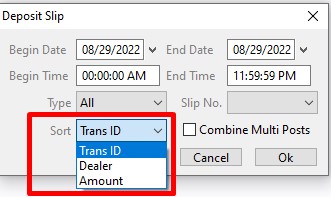
Click 'OK' when complete to create and print the report.
No Comments