
Seller Check Report
The Seller Check is automatically printed for Sell Settle and Edit Sell Settle orders. It may be re-printed from the Payments and Deposits application. Each check is unique to the Auction.
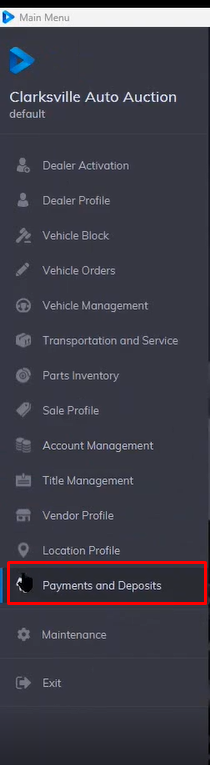
- Select the Payments and Deposits application
- Once the application loads select the issued check section
- Select check option
- Select the vehicle you want to reprint the seller's Check for
- Then click Reports then Seller Check order.
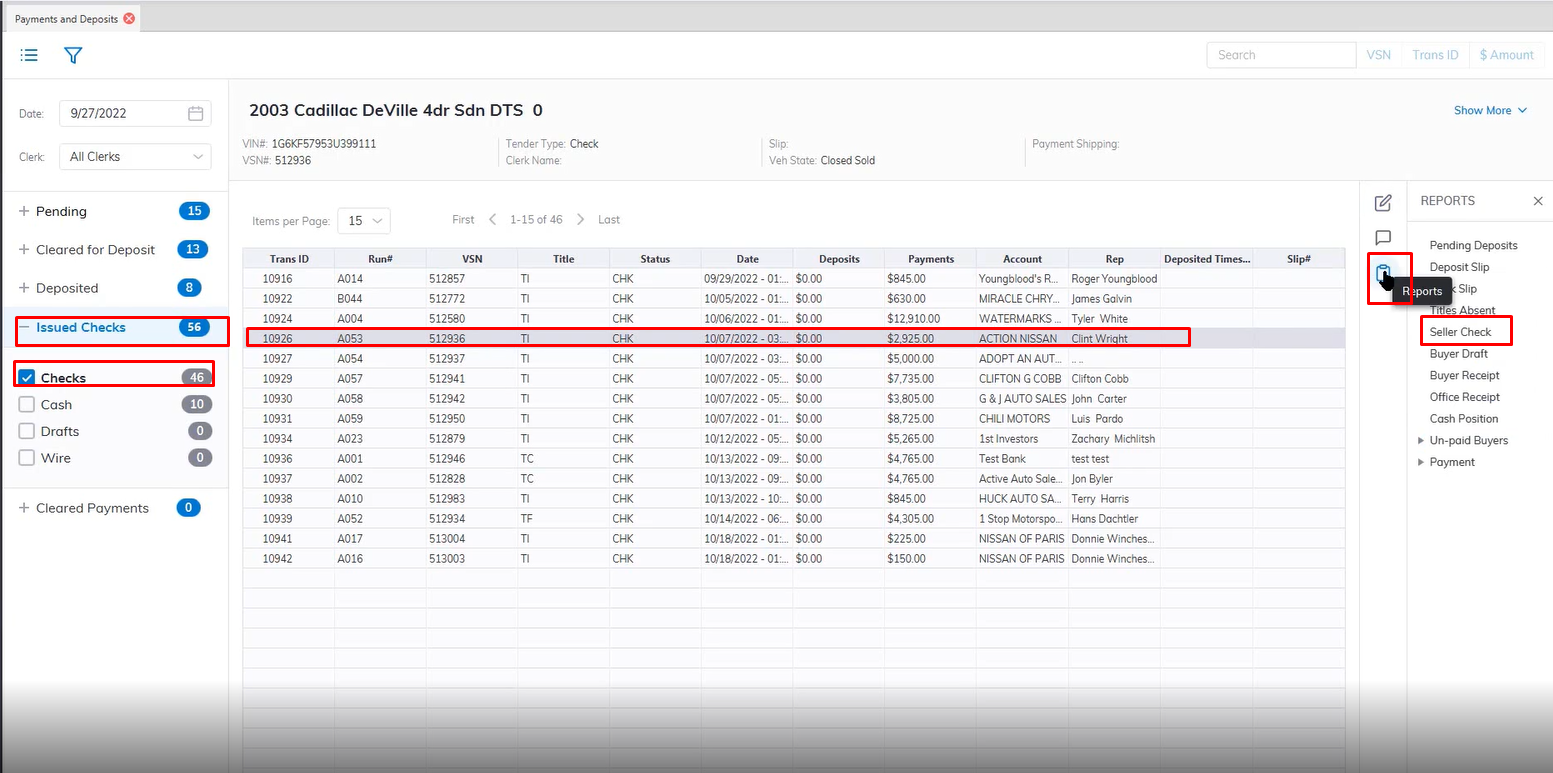
- This will bring up the print preview of the Seller check for reprinting.
No Comments