
UnPaid Buyers Report
The Un Paid Buyers report provides information for vehicles whose payments are outstanding. You may run this report from the Sale Profile or Payments and Deposits application.
- Select the Payments and Deposit application
- Select the 'Reports' and then the sub-menu 'Un-Paid Buyers'
- You will have two options 'Un-Paid Buyers' or Un-Paid Buyers with Fees' Report
- Once you make a selection. This will Launch the wizard to generate the report.
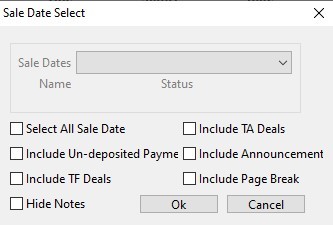 Unpaid Buyers without fees
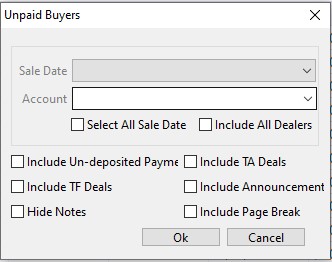 Unpaid Buyers with fees
-
You may designate a specific sale or check the check box 'Select All Sale Date' to include all Sale Dates. You may also include payments posted in the system but have not been deposited by checking the box 'Include undeposited payments.
- Click 'OK' when done to create and generate the report.
No Comments