
Sale Managment
Sale Management
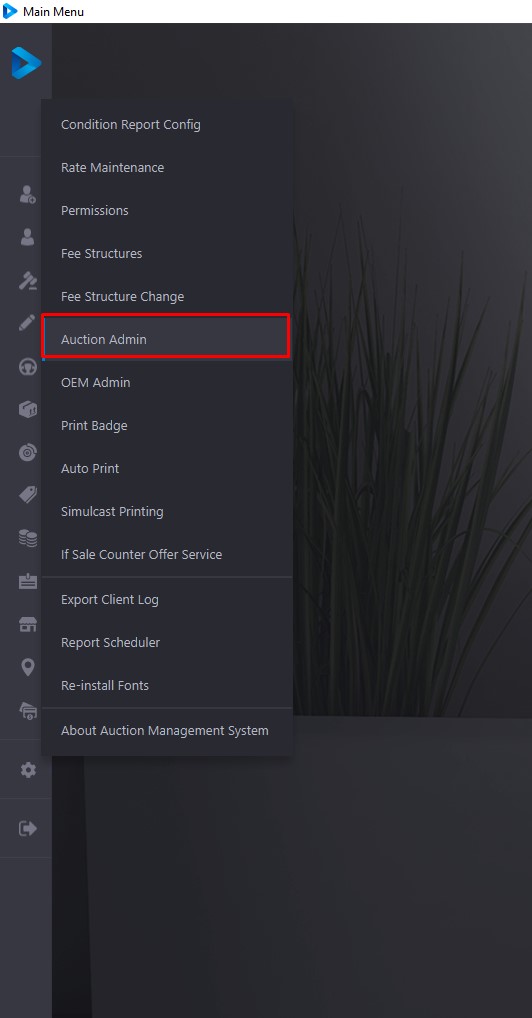
A 'Created' sale is a Sale with a Template and dates, but since it is not 'Pending' no Vehicles may be Checked In to these Sales.
If there is a 'Created' Sale it may be placed in pending status by selecting the Sale date and clicking 'Change to Pending'. This will make the Sale available for Vehicle registration and Rep (buyer) Check-In.
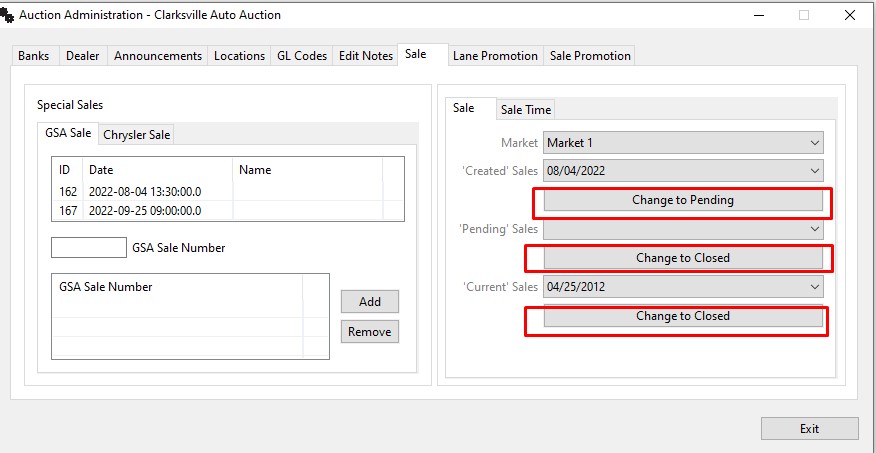
Less often, a Sale may be postponed or canceled. In this case; Use the 'Change to Closed' button to move Pending Sales to Closed status.
After each Sale, you will want to finalize the Sale after each vehicle in the Sale becomes 'In Active'. Select the Sale date for the Current Sale and click 'Change to Closed'.
Note: Unless all units are 'In Active', it is impossible to 'Close a Sale'.
No Comments