
Contact Information
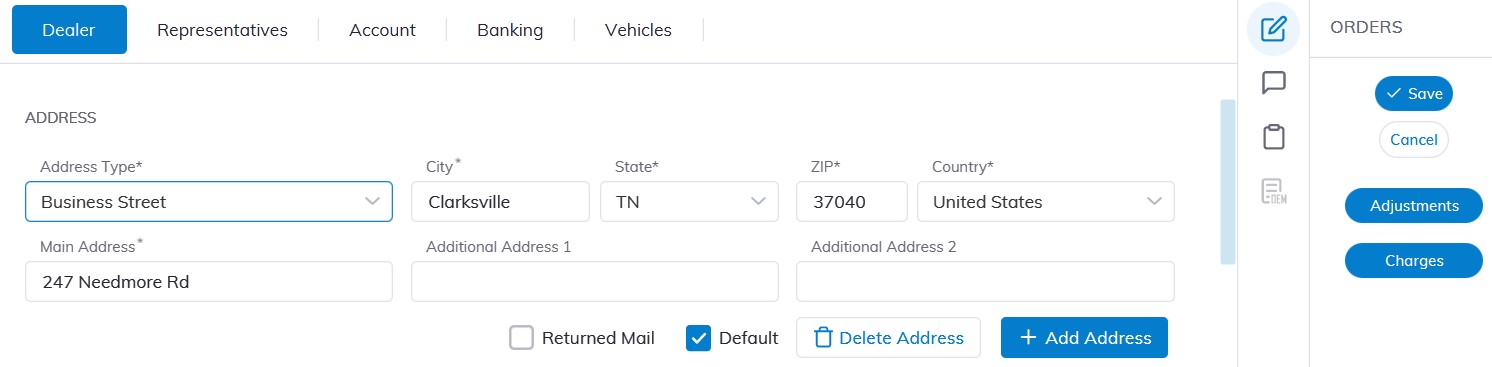
Change Address
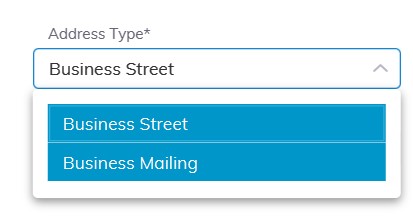
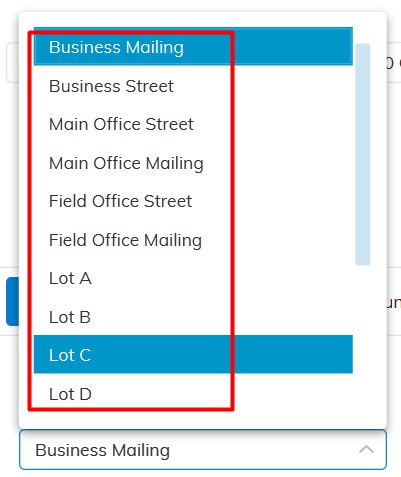
Select the Address Type: e.g. Business Mailing, Business Street, Main Office Street, etc.
Change Address Information
Click 'Save' to Save.
Add New Address
Select the 'Add Address’ button
Choose the Address Type: e.g. Business Mailing, Business Street, Main Office Street etc.
Add Address Information
Click 'Save' to Save.

Change Phone Number
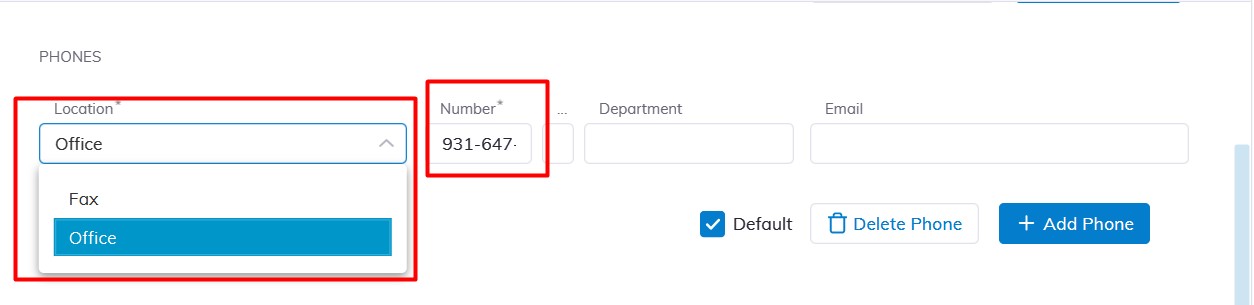
Select the Phone location: e.g. Office, Fax, Mobile, etc.;
Change Telephone Information e.g. 931-647-5555
Click 'Save' to Save.
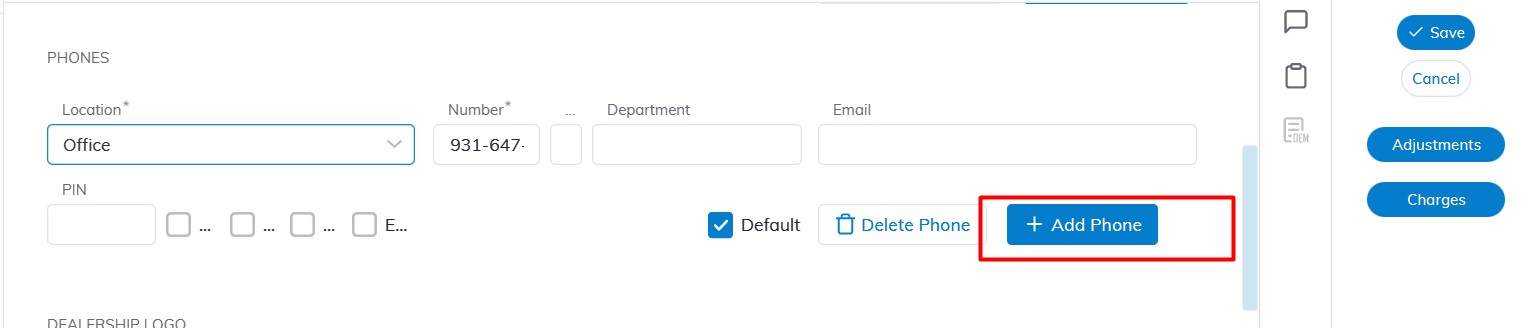
Add New Phone
Select the 'Add Phone’ button
Select the Phone location: e.g. Office, Fax, Mobile, etc.;
Add Telephone Information e.g. 931-647-5555
Click 'Save' to Save
No Comments