
Aged Trial Balance
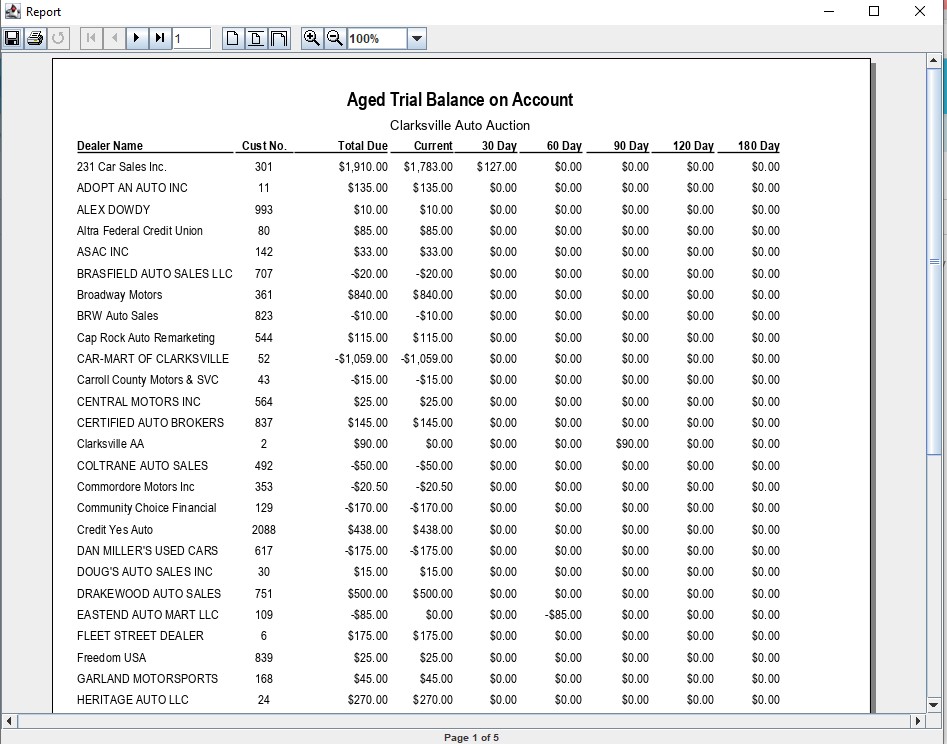
The 'Aged' Trial Balance provides a view of Receivables relative to the passage of time since posting. This may help to identify which Dealers to collect from first. The report is aged according to:
Total Due
Current
7 - Day
14 - Day
21 - Day
30 - Day
60 - Day
90 - Day
Select
- The Account Management application > Reports > Aged Trial Balance
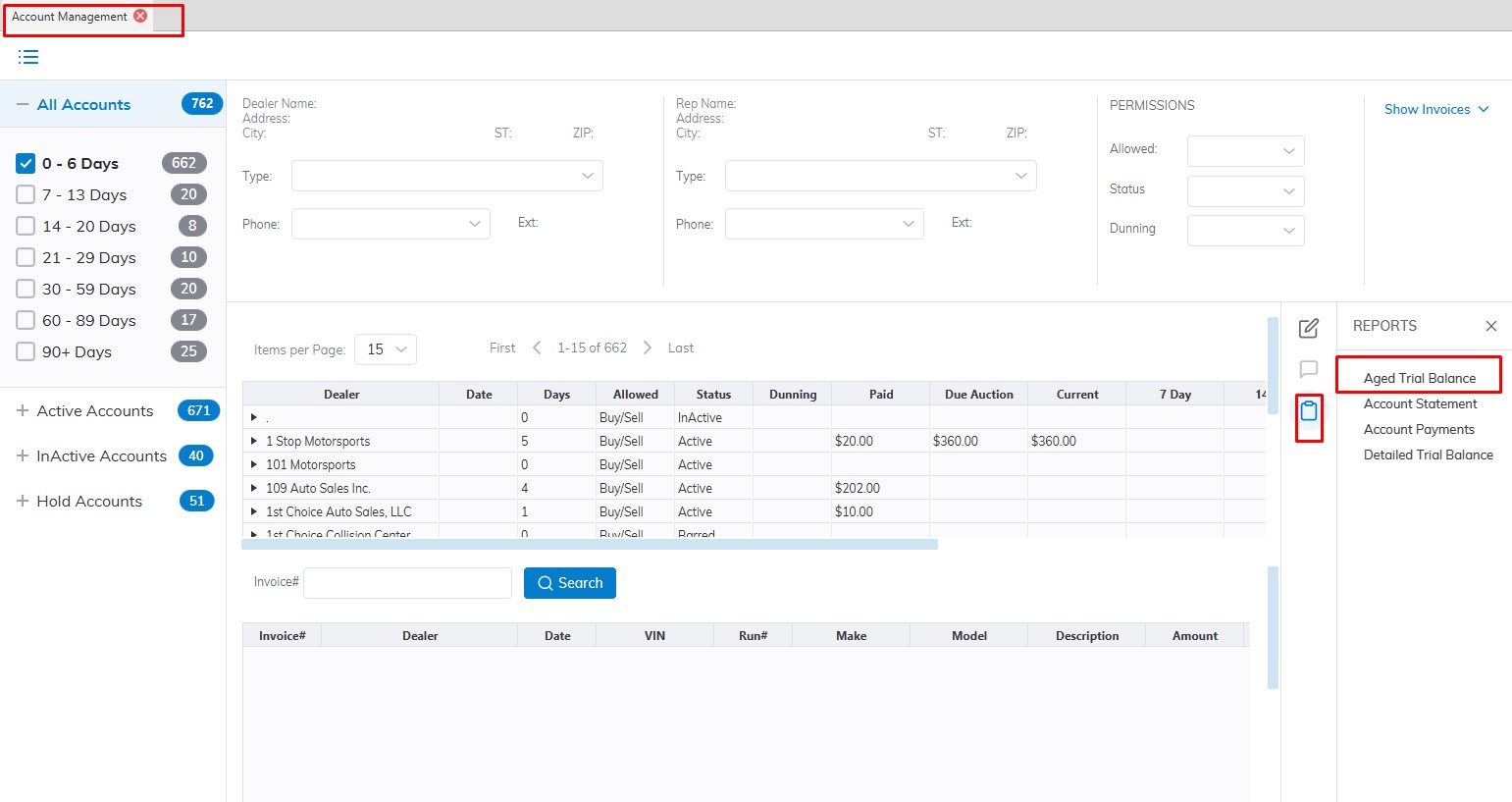
- This will launch the report wizard
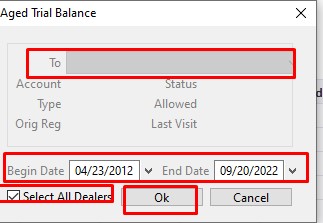
- Select the specific Dealer in the To: Filed or 'All Dealers' checkbox
- Select the Date range that you would like to generate the report.
- Click 'OK' when done to create and print the report.
No Comments