Dealer Orders
Dealer Orders
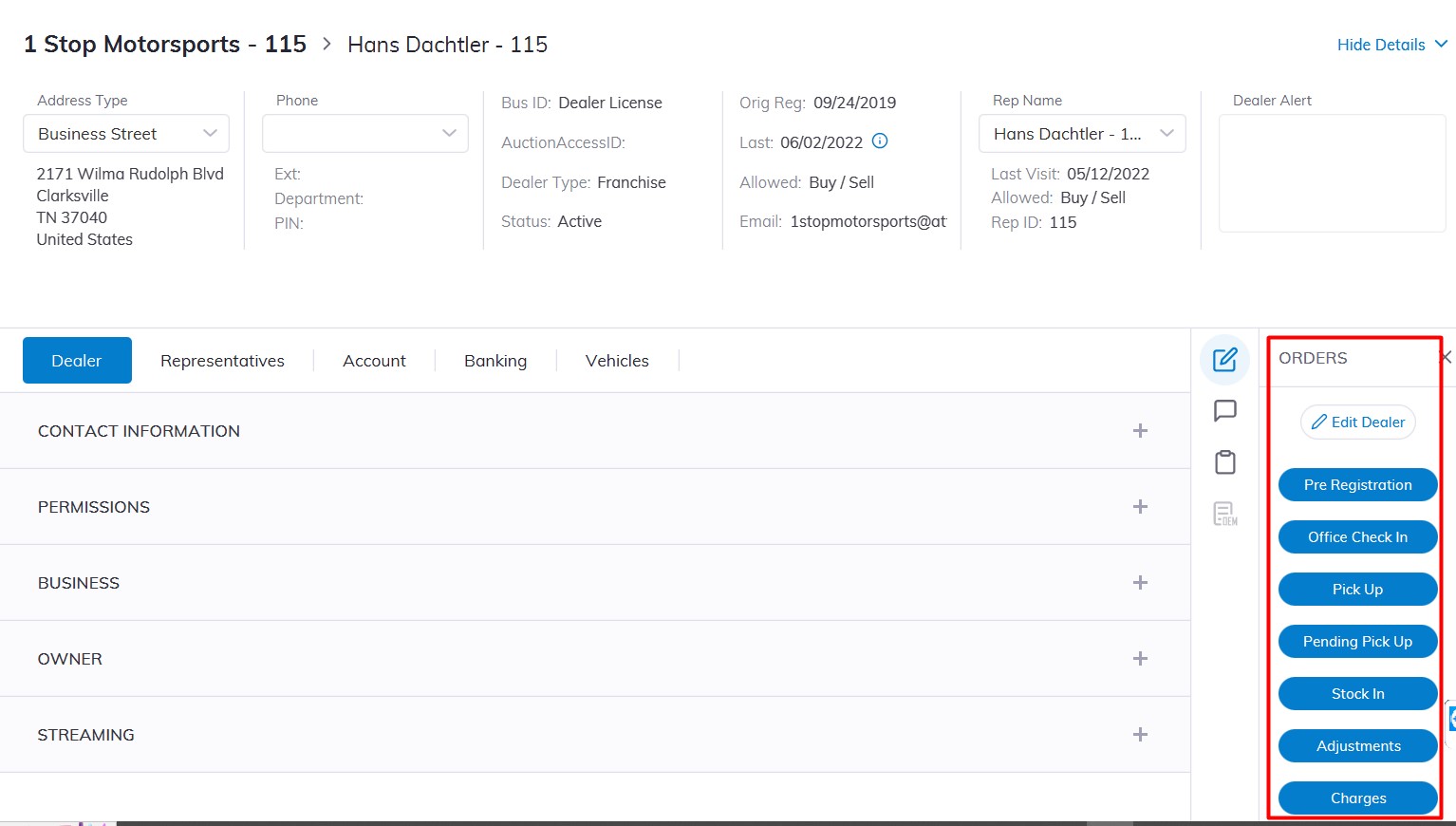
On the right-hand side of the Dealer Profile Application, you can select and choose any of the following Dealer Orders to execute.
- Adjustments
- Charges
- Edit Dealer
- Office Check In
- Pending Pick Up
- Pick Up
- Pre Registration
- Stock In
Click the Order button to launch the application window.
Note: Before issuing any of these Orders - make sure you have selected the correct dealer.