Vehicle Management
Vehicle Management application - used as a 'Global' view for all Auction Vehicles that the auction possesses:
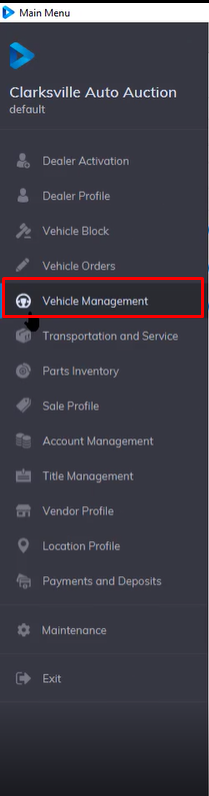
This application filters the listing by 3 Buttons with a + sign on the left. (Active, Off-site, In-Active) are also used to further distinguish between different vehicle statuses.
There are 10 tabs of information for each Vehicle as outlined in red. The upper portion of the application summarizes vehicle and title counts for the selected Dealer; State Farm in this example.
- Remarketing
- Vehicle
- Options
- Sale
- Seller
- Buyer
- Lender
- Inventory
- Images
- streaming
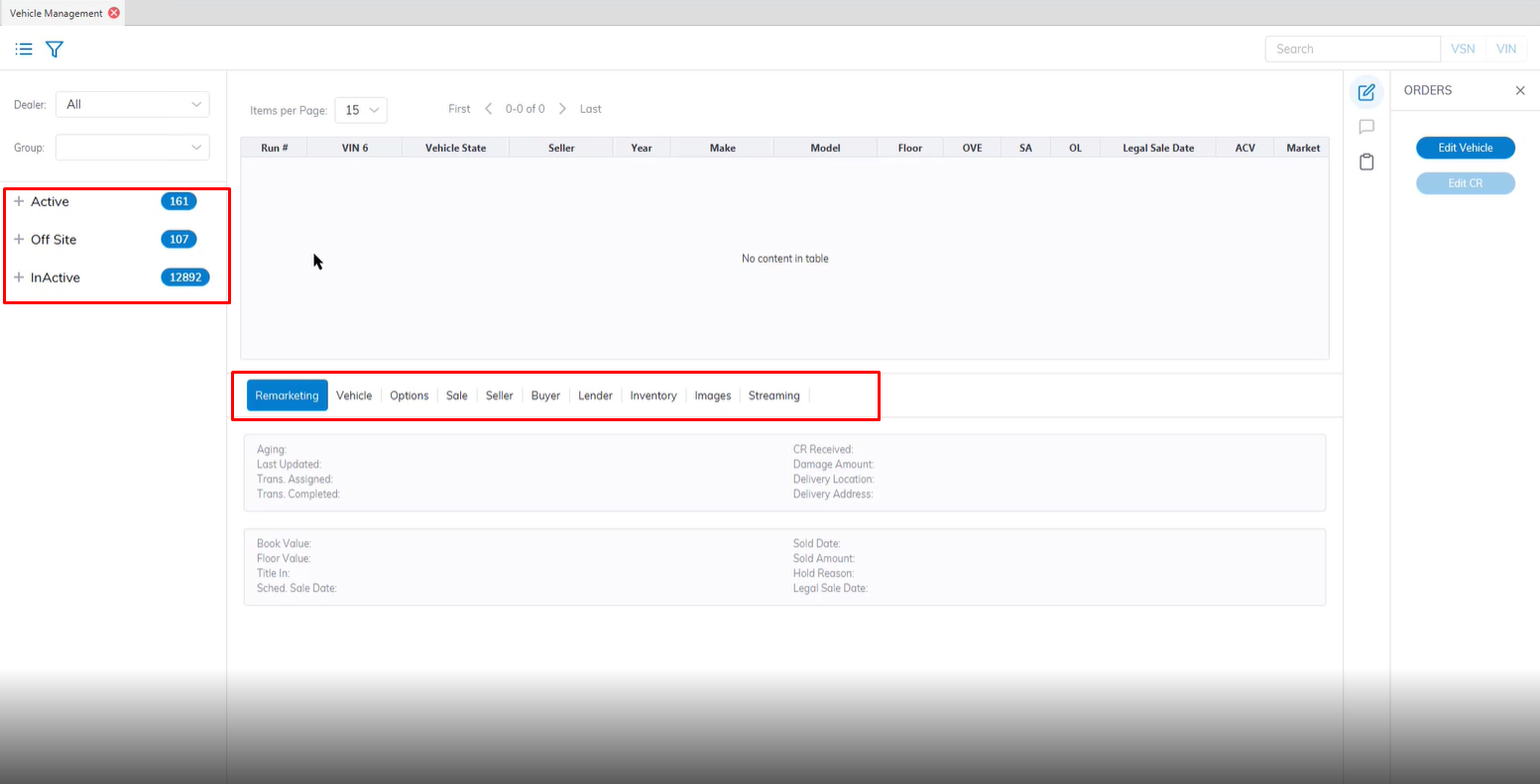
Remarketing Tab
Remarketing - contains basic read-only information about Remarketing attributes.
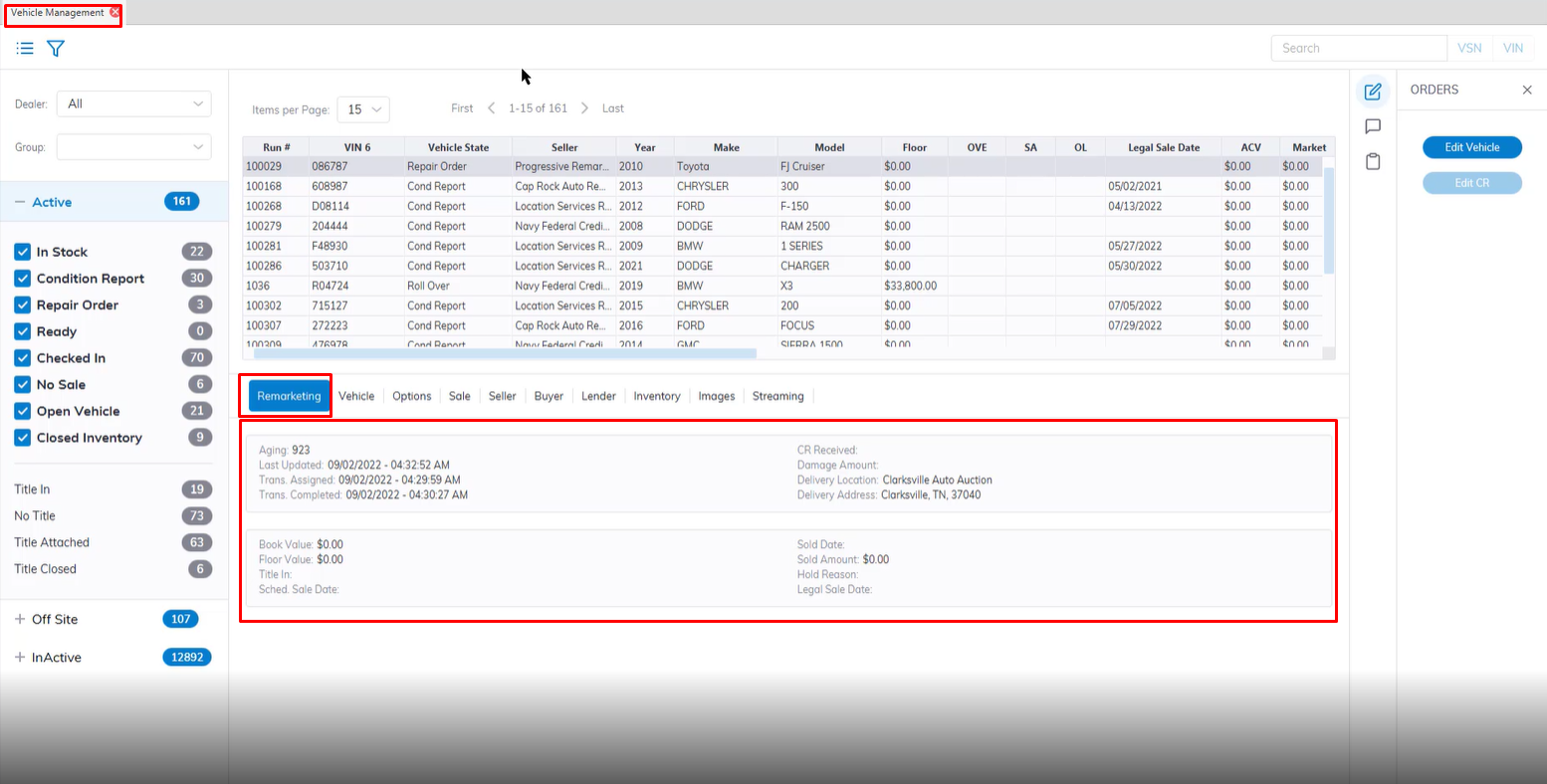
In some cases, you may wish to allow a Fleet account to access its own inventory for viewing and reporting purposes. The Remarketing tab summarizes the most relevant information for their use.
Vehicle Tab
Vehicle Tab - contains basic read-only information about the Vehicle including:
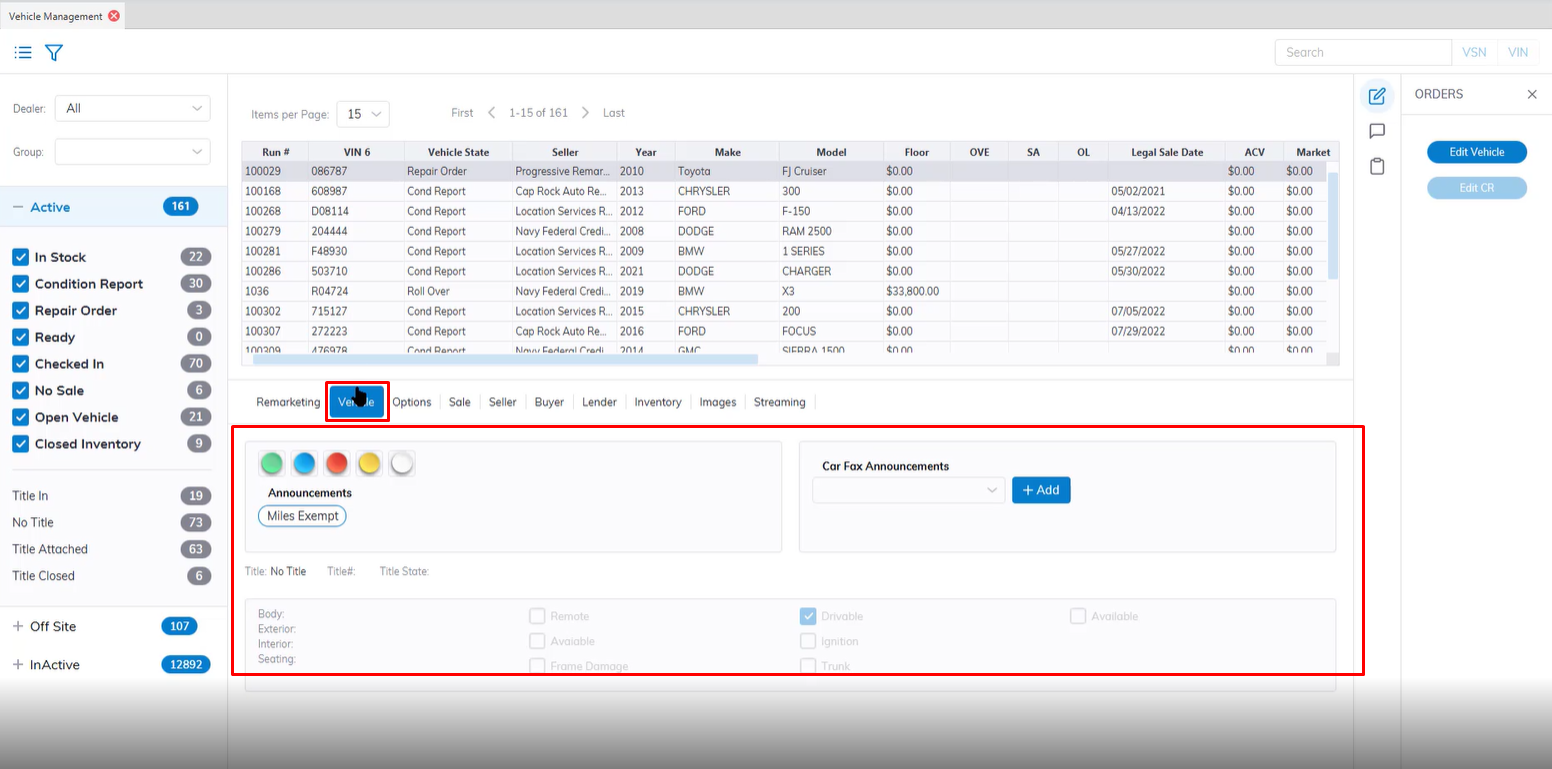
- Lights and Announcements
- Mileage
- Vehicle Options Group 1
Options Tab
Options Tab - contains basic read-only information about the Vehicle including:
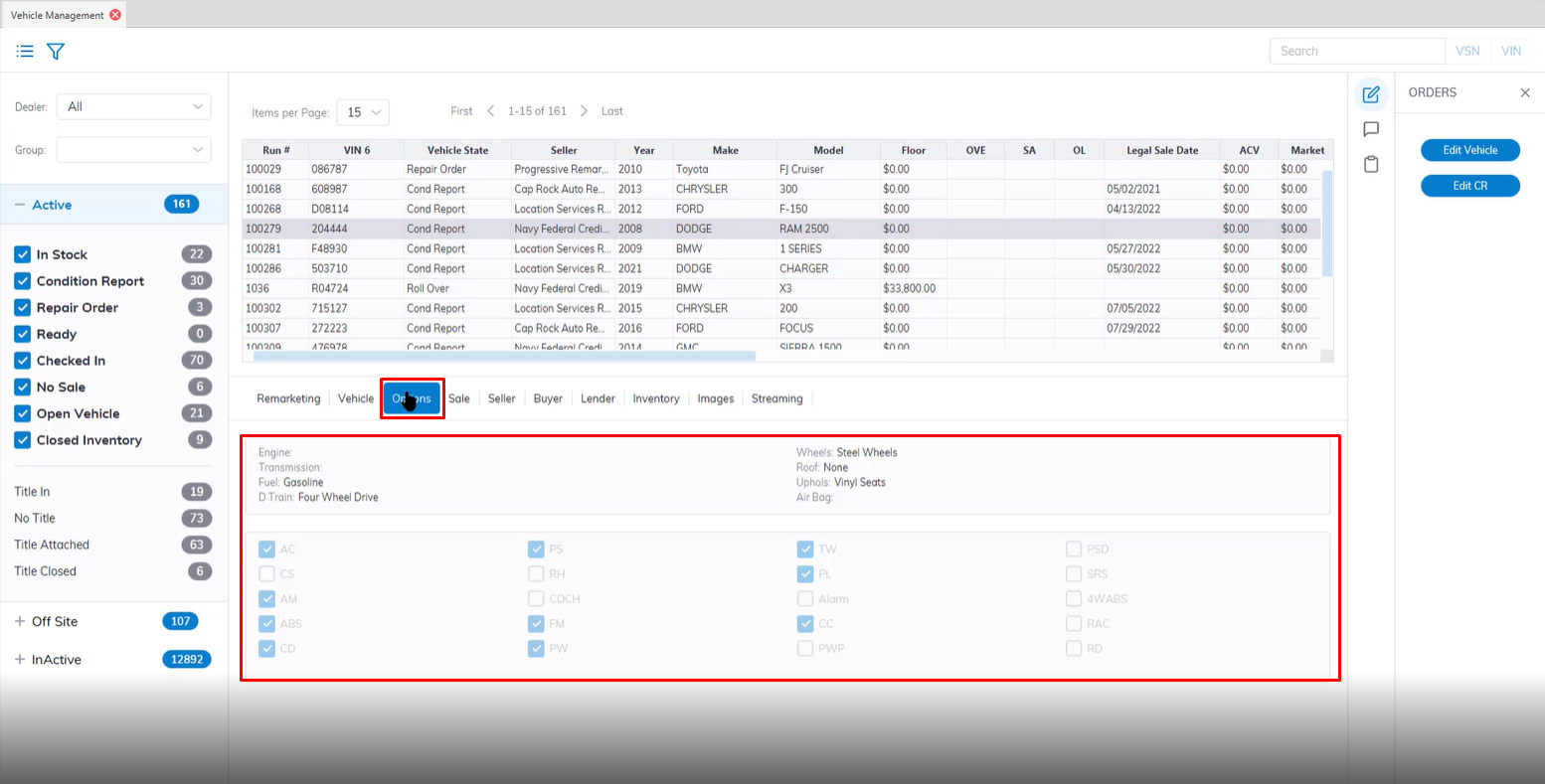
- Vehicle Options Group 2
- Vehicle Options Group 3
Sale Tab
Sale Tab - contains basic read-only information about the Sale including:
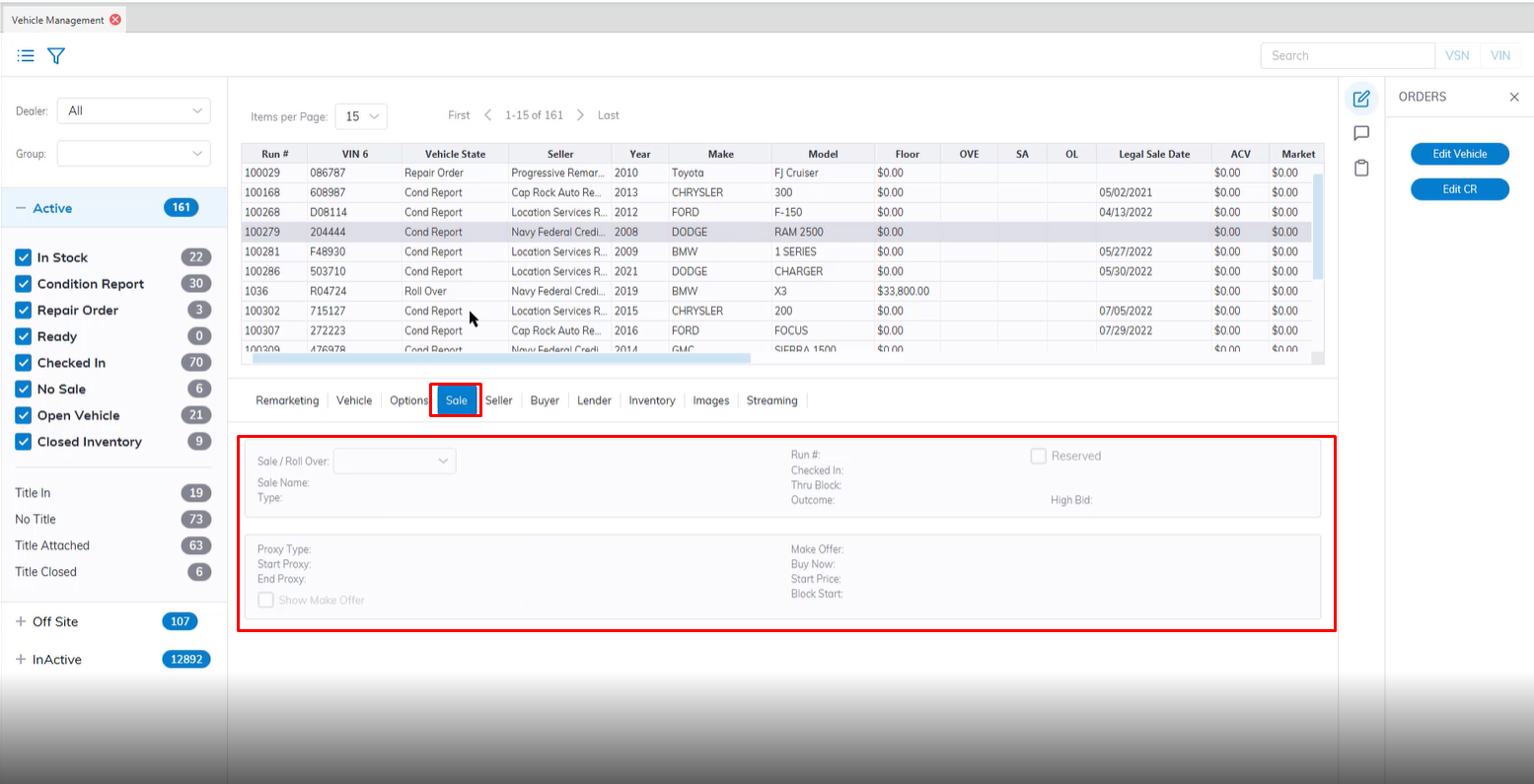
- All offerings for each Sale / Roll Over date and its Name, Type, and Run Number (may be multiples)
- Date / Time stamp of Check In
- Date / Time stamp of Thru Block
- Outcome of Block
- Hi Bid
Seller Tab
Seller Tab - contains basic read-only information about the Seller including:
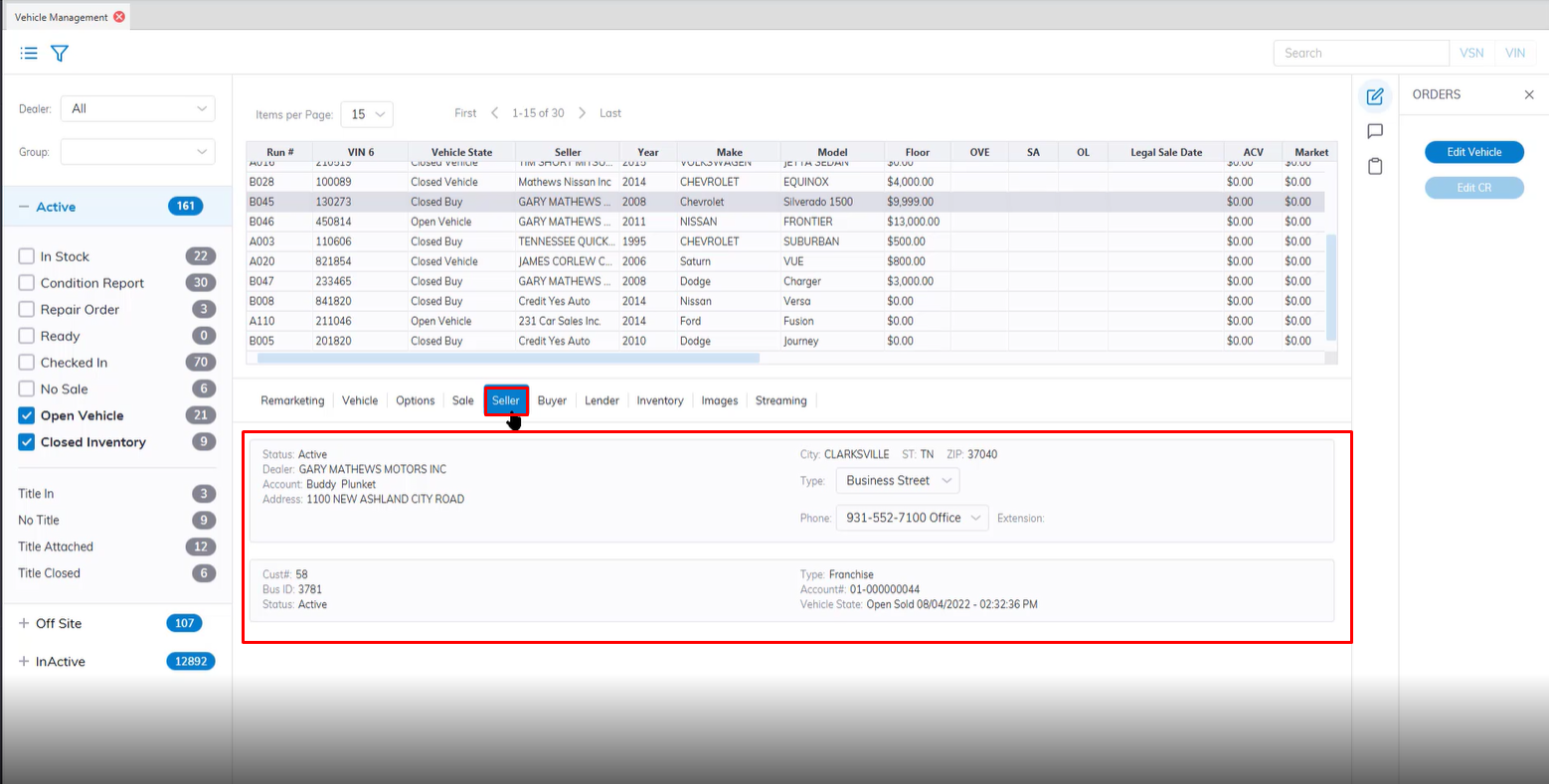
- Seller Account Status
- Dealer Name, Rep Name, and Contact Information
- Customer Number and Account Information
Buyer Tab
Buyer Tab - contains basic read-only information about the Buyer including:
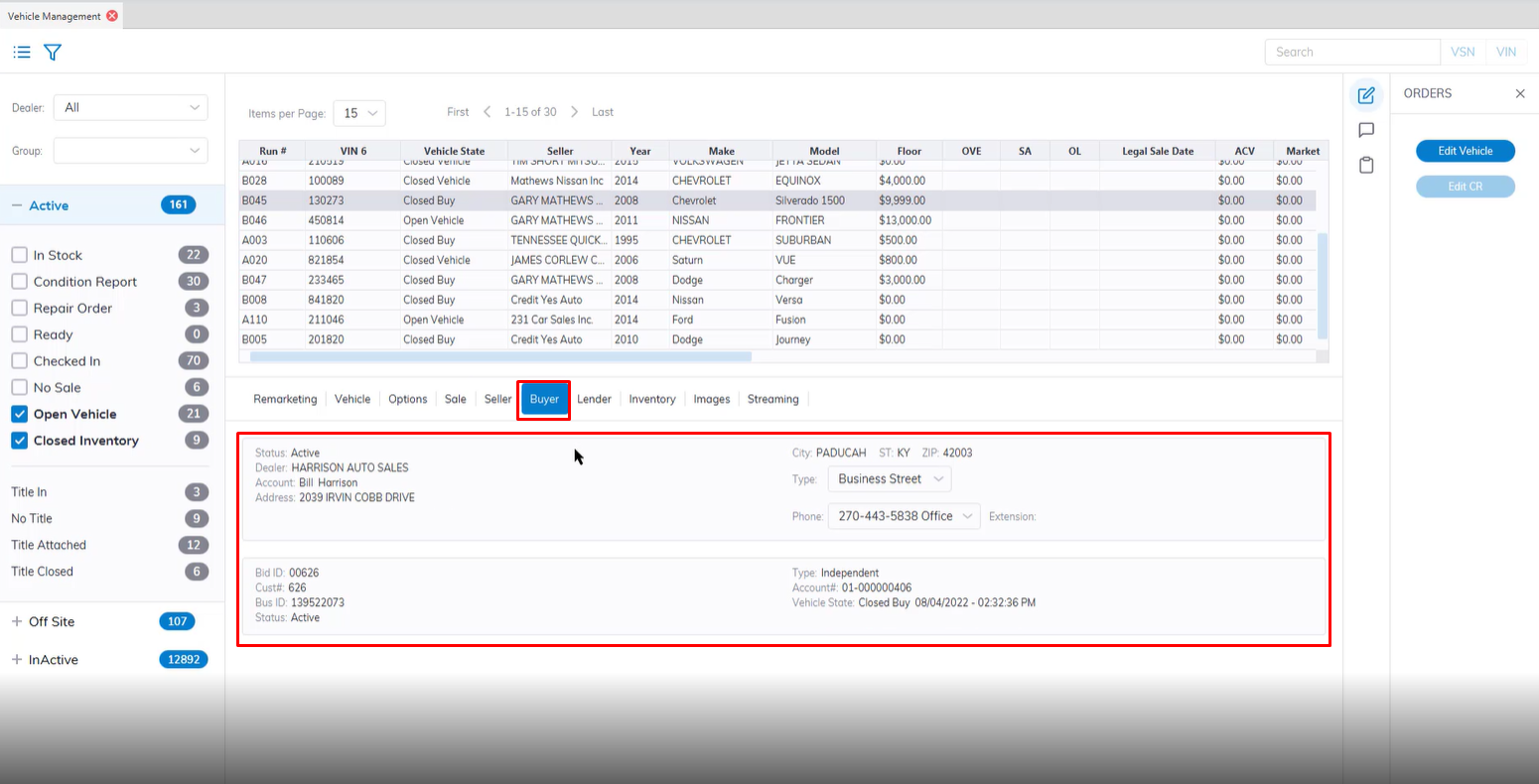
- Buyer Account Status
- Dealer Name, Rep Account Name, and Contact Information
- Bid ID and Account Information
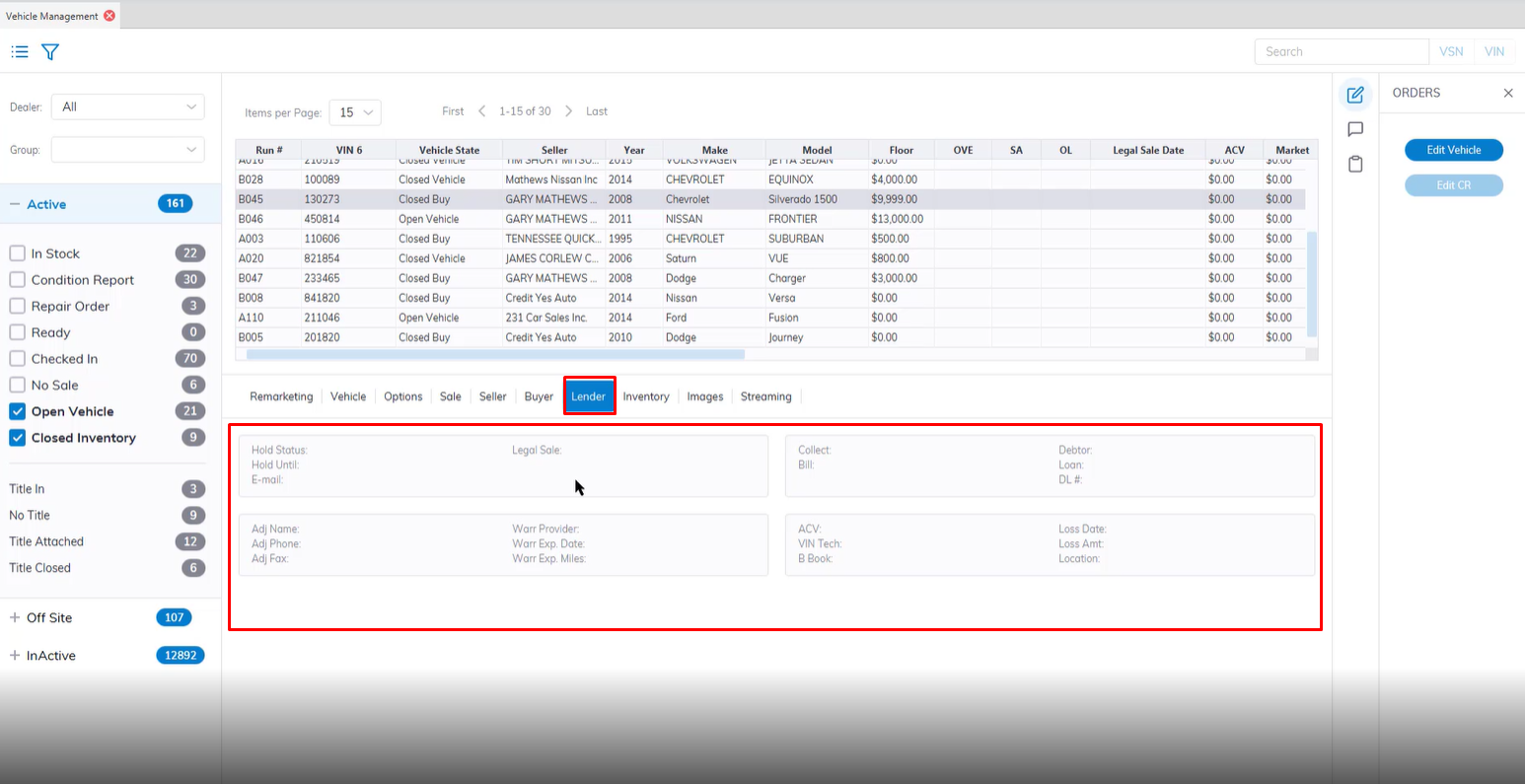
Lender Tab
Lender Tab - contains basic read-only information about the Lender including:
Inventory Tab
Inventory Tab - contains basic read-only information about Transportation and Services including:
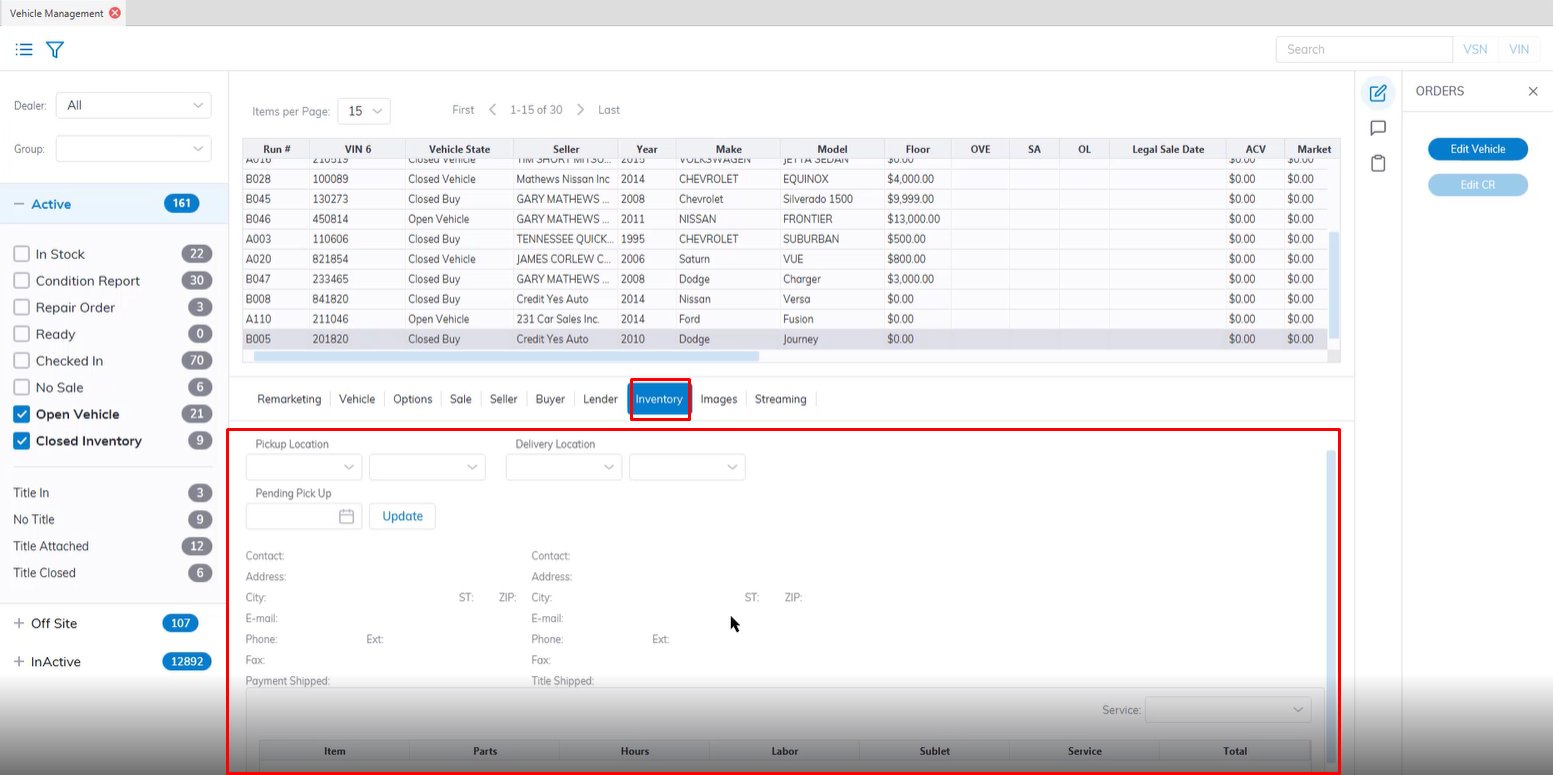
- Transportation Pick Up PO
- Vendor for Transportation Order
- PO Number and Method of communication
- Est. Pick Up / Location and Est. Delivery / Location
- Condition Report or Repair Order Number
- Listing of Items, Parts, Hours, Labor, Sublet, Services, and Total
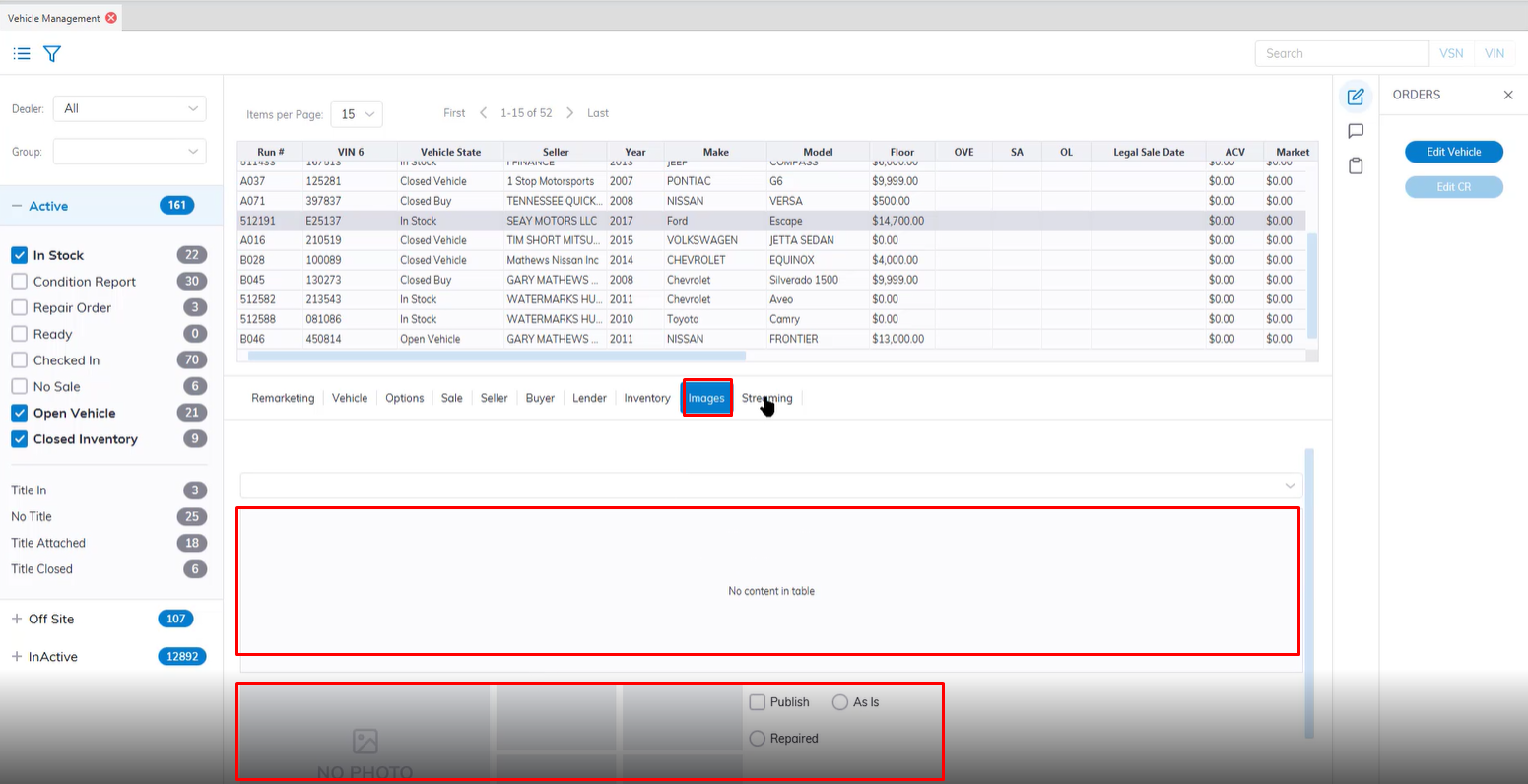
Images Tab
Images Tab - contains up to four images entered into the system. For additional information click here for Image management.
Streaming Tab
Streaming Tab -