Fee Structures
Fee Structure - used to create and manage the Fees for:
- Buyer Fees
- Seller Fees
- Draft Fees
- Title Fees
- Pick Up Fees
- Delivery Fees
Once defined these fee structures are associated with the Representative in 'Fees'. This allows a particular Buyer to customize Fees for the above categories. It is important to note that each Fee is applied according to Vehicle Type.
- Automobile
- RV
- Marine
- Powersports
- Salvage
Create a new Fee Structure
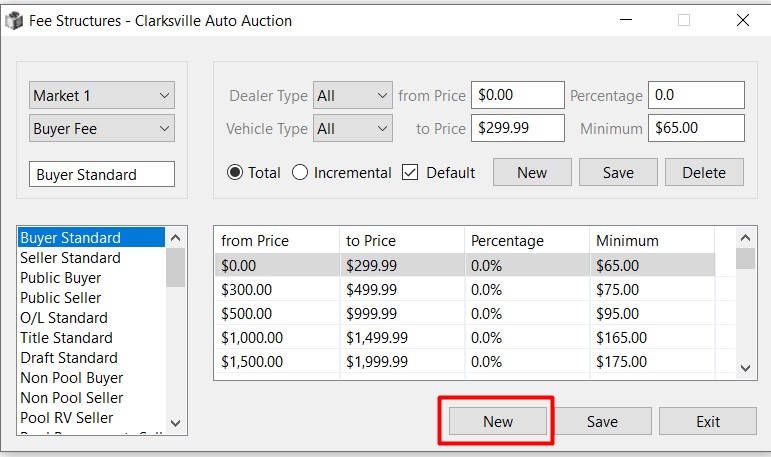
Click the 'New' button to create a Fee Structure.
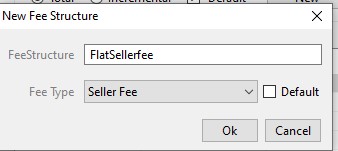
Add the Fee Structure Name and select the Fee Type, then click 'OK' to create and save it.
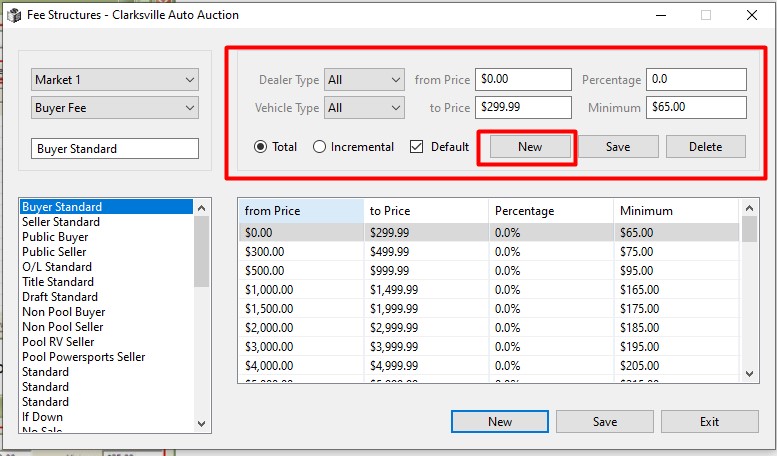
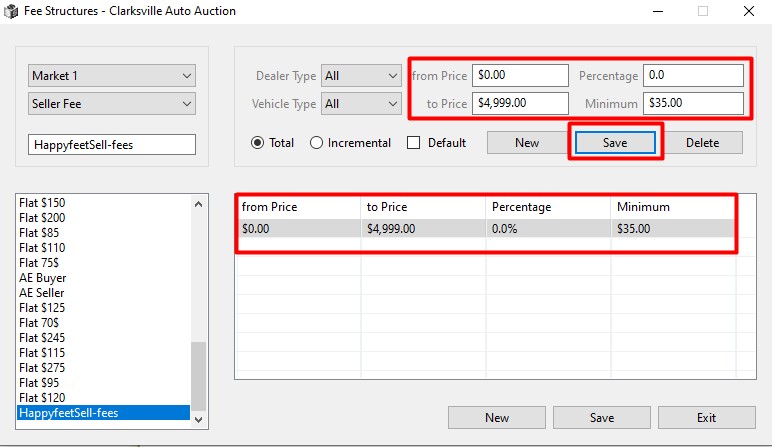
Click 'New' in the summary section of the form, then build each tier using the following attributes:
- from Price
- to Price
- Percentage
- Minimum
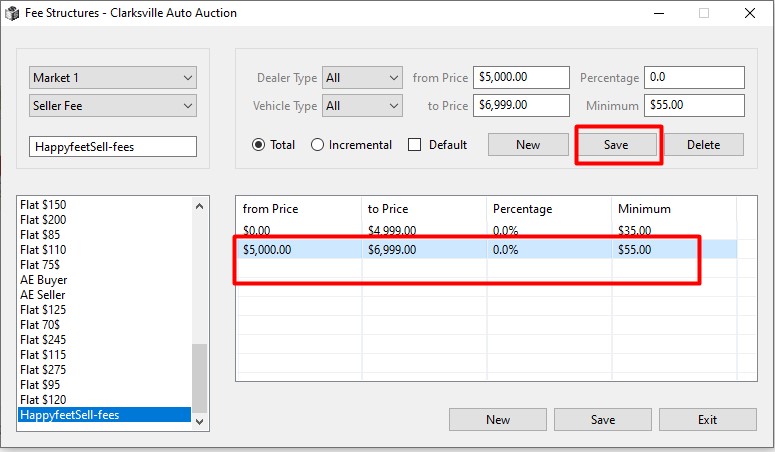
Click 'Save' to add the attributes from above to the 1st tier.
Next Tier
Click 'New' to build another tier within the fee structure.
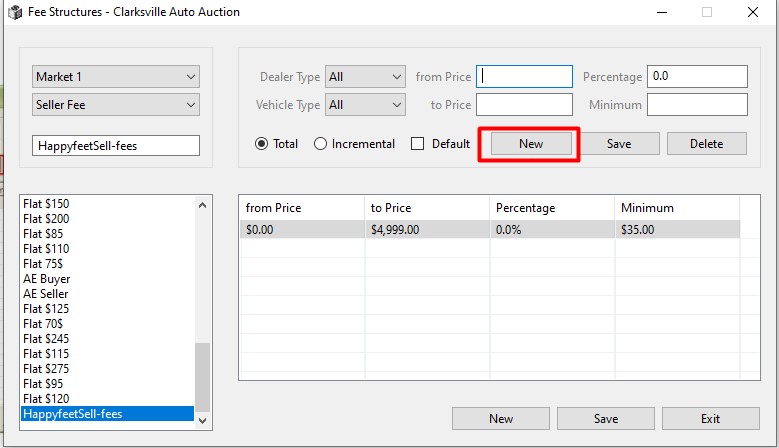
Click 'Save' to add the attributes from above to the 2nd tier and so on.