Bank Master and Fee Master Reports
Bank Master Report
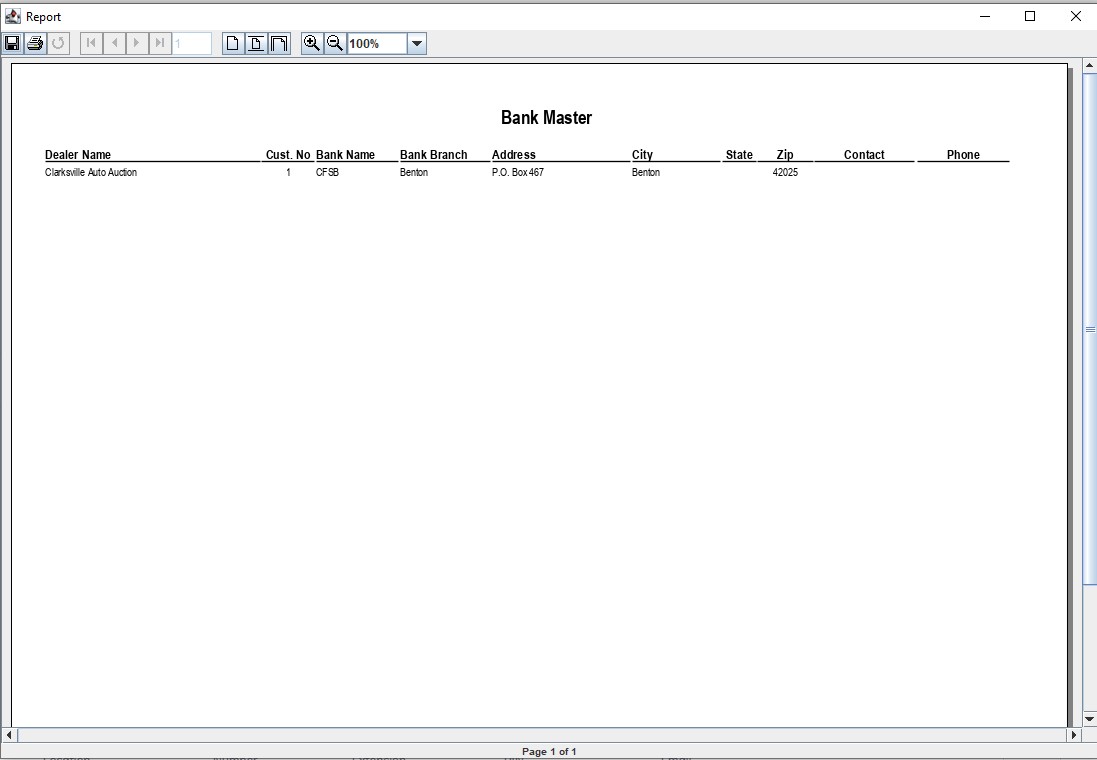
The Bank Master lists all banks as they relate to each Dealer.
Select
The Dealer Profile application > Reports > Administrative Reports > Master Listings > Bank Master
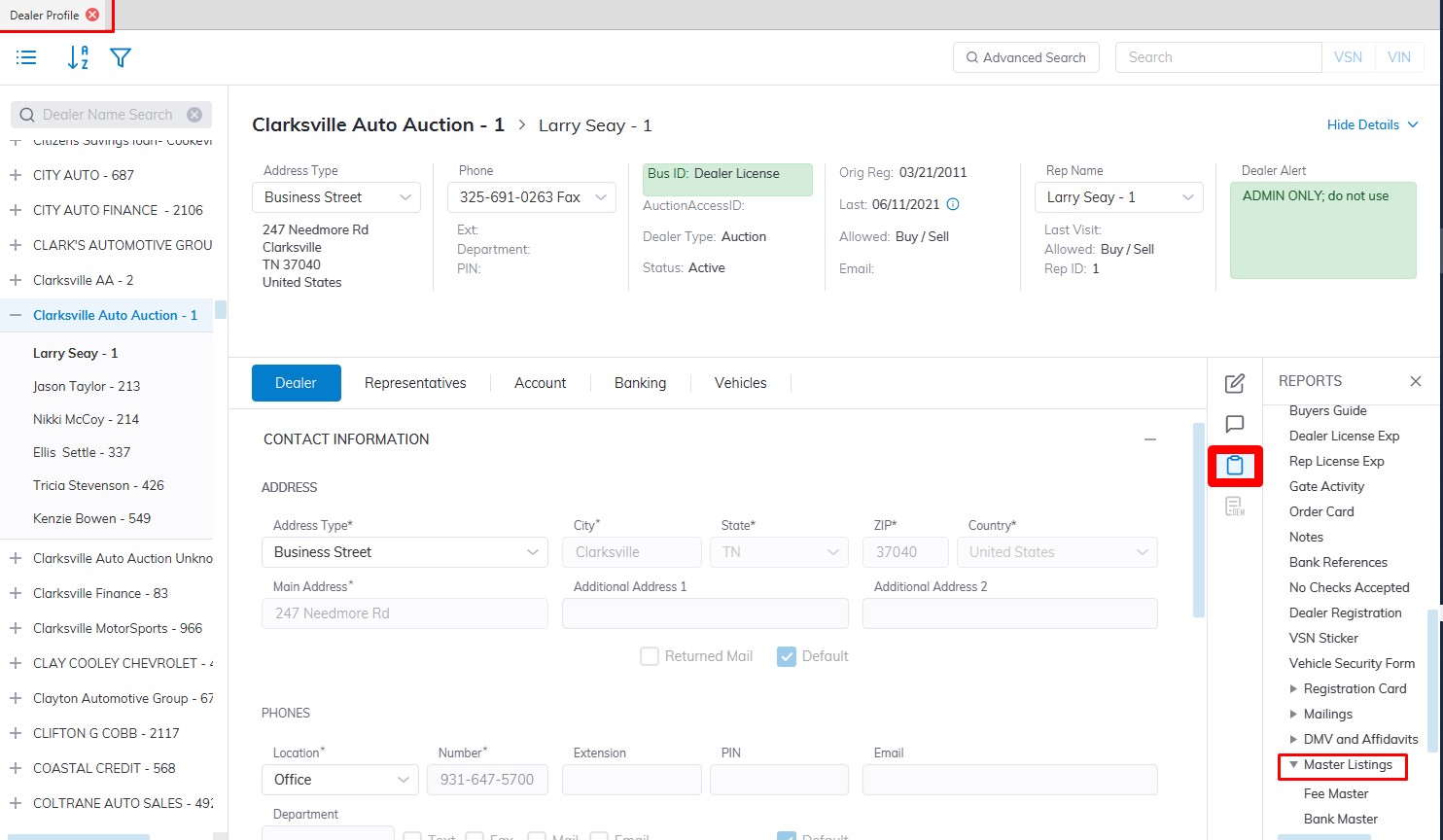
This will launch the Bank Master Report form. You may sort according to Bank, Branch, or Dealer. You may also select all Dealers or just one.
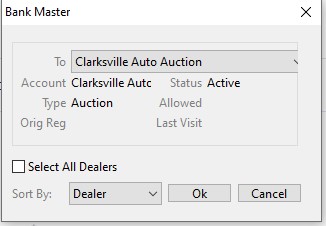
Click 'OK' to create the report and print
Fee Master Report
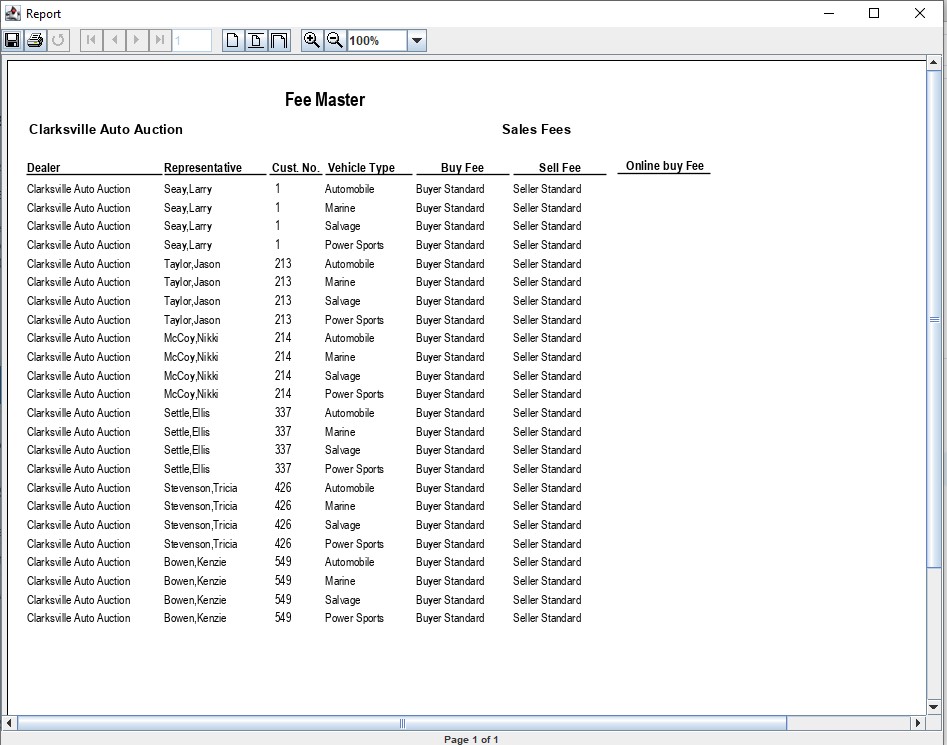
The Fee Master report is used to provide details on what rates the Auction has set up to charge its customers for Sales, Registration, Transportation, and settlement Fees.
Select
The Dealer Profile application > Reports > Administrative Reports > Master Listings > Fee Master
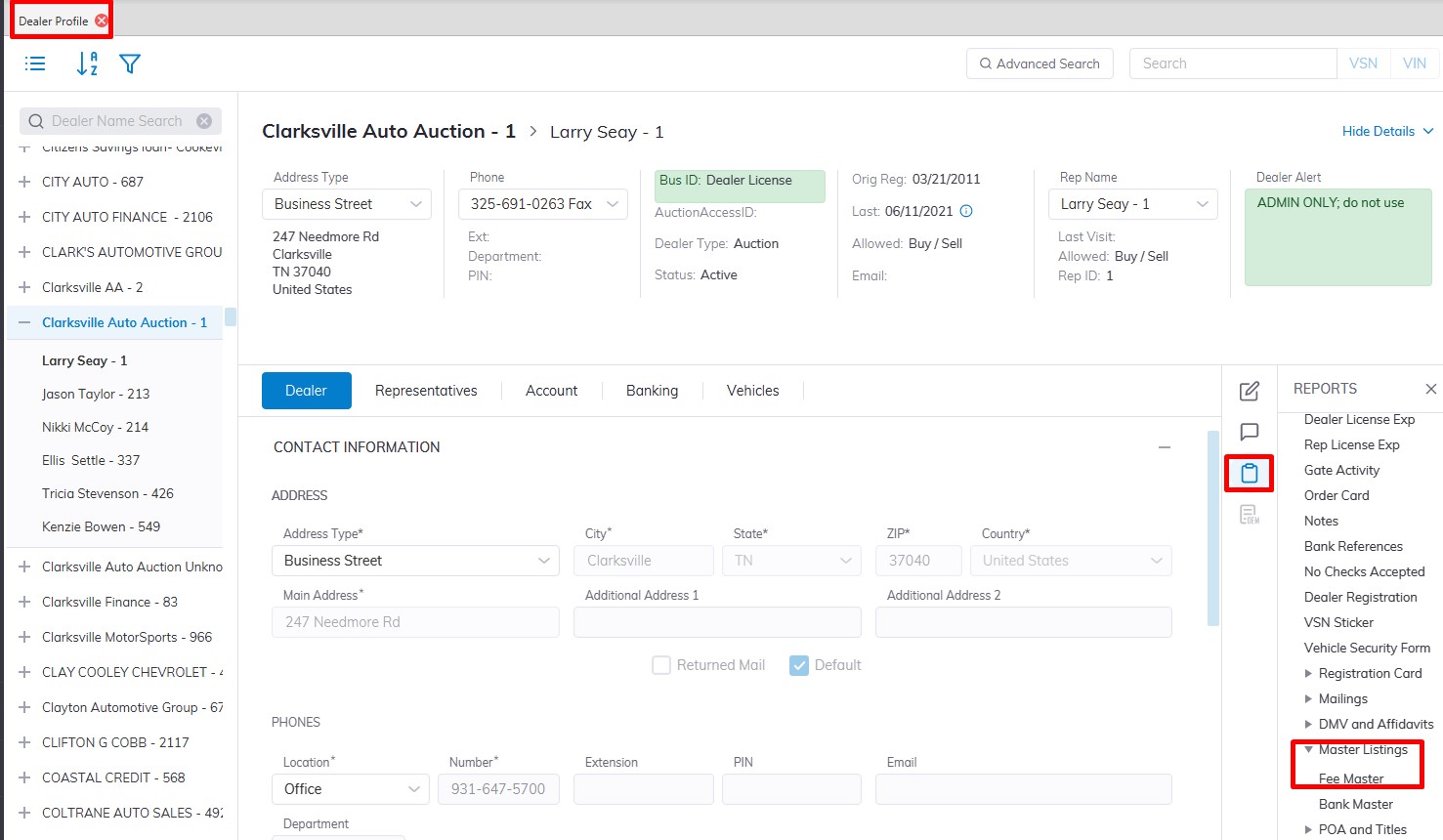
This will launch the Bank Master Report form. You may run the report for 'All Dealers' or only one.
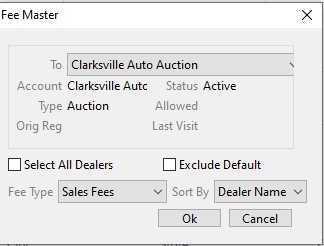
Select the Fee Type:
- Sales Fees (buyer and seller)
- Registration Fees (sold and unsold)
- Transportation
- Settlement
- You may sort the report by Dealer name, Representative name, or by Customer ID.
- Click 'OK' to create the report and print